

Start the crash
Set the roads, location, and severity. Start with default sections or a built-in template, then add the sections this crash needs.
One clear workspace for the notes law enforcement professionals collect at the roadside, from scene details and measurements to investigative notes that support a better report.
Built for crash investigators. Designed to work in the field.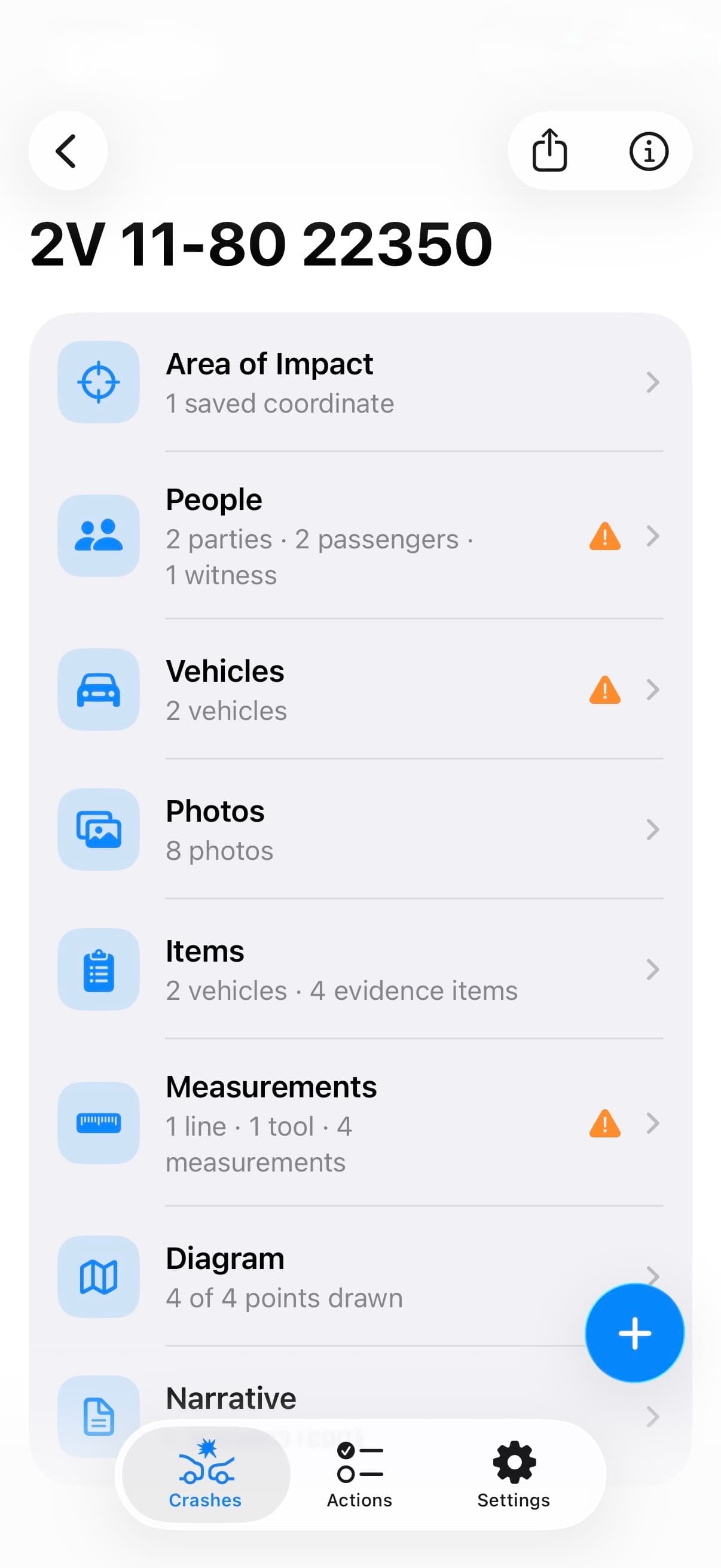
THE WORKFLOW
Record a fact once. TACWAC keeps it connected from the first roadside entry to the final export.
Set the roads, location, and severity. Start with default sections or a built-in template, then add the sections this crash needs.
Connect people, vehicles, property damage, photos, evidence, and measurements with your investigative notes.
Review warnings and the narrative, choose what to include, and export a Word or plain-text document with photos and diagram files as needed.
THE SECTIONS
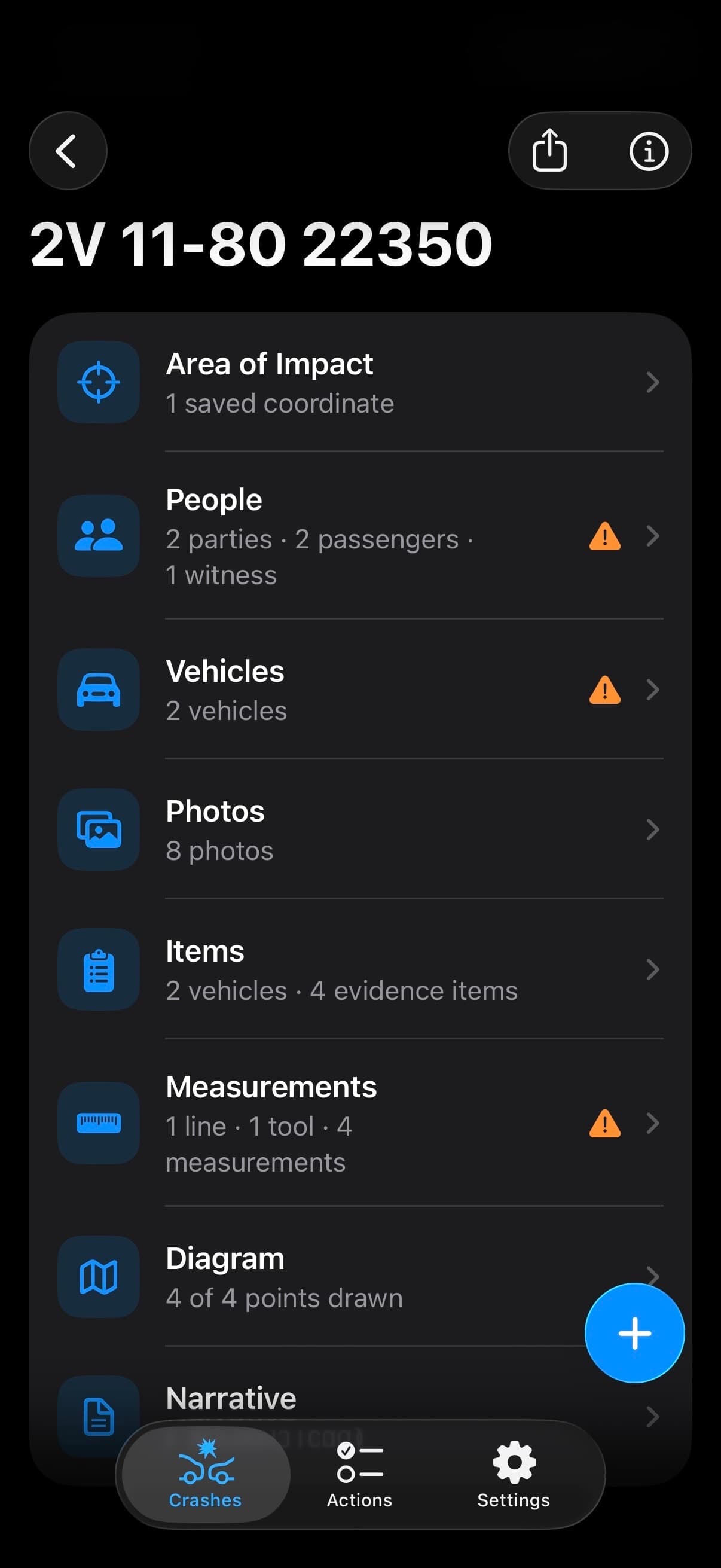
Start with the essentials. Add the details your investigation calls for. Each work area keeps your notes connected, from the first person you speak with to the final diagram.
Keep identification, contact details, and statements connected.
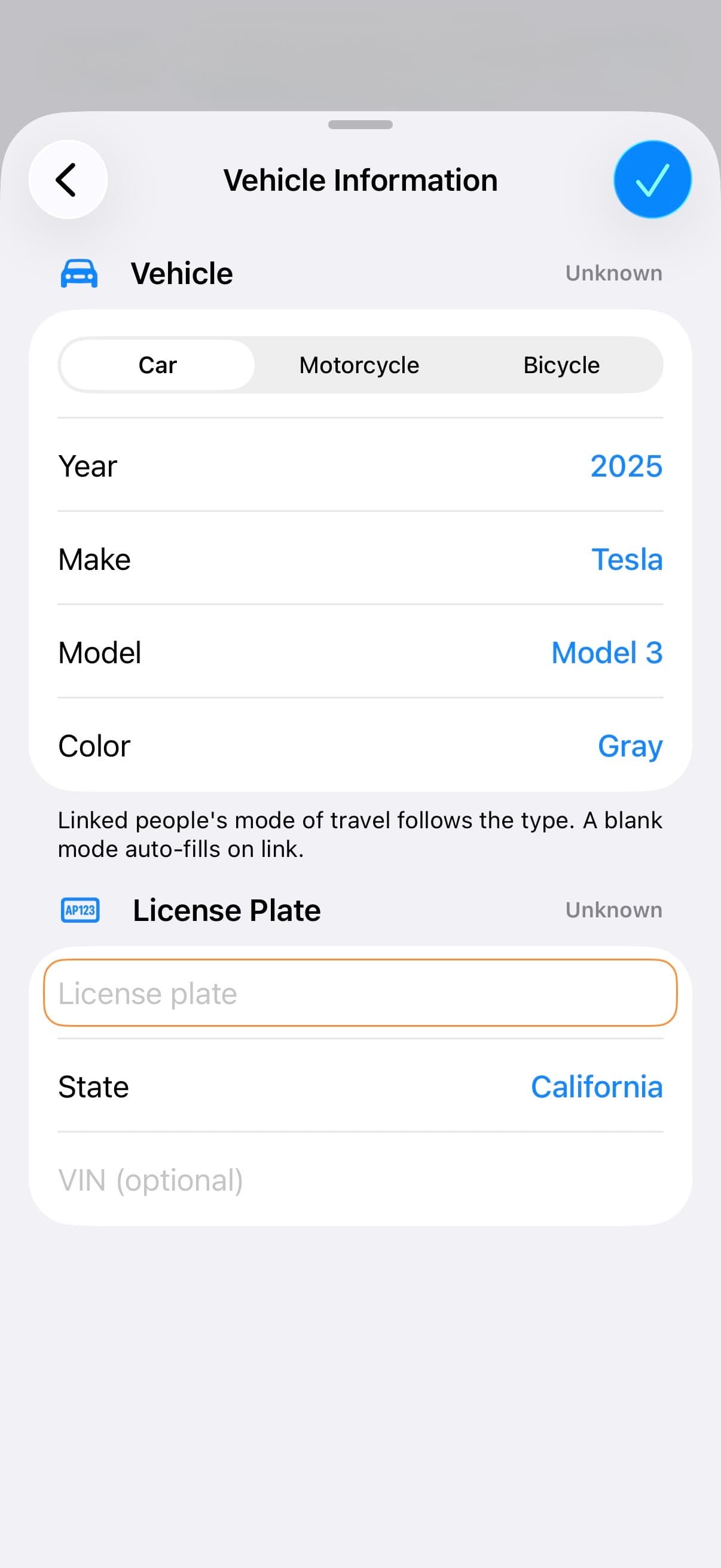
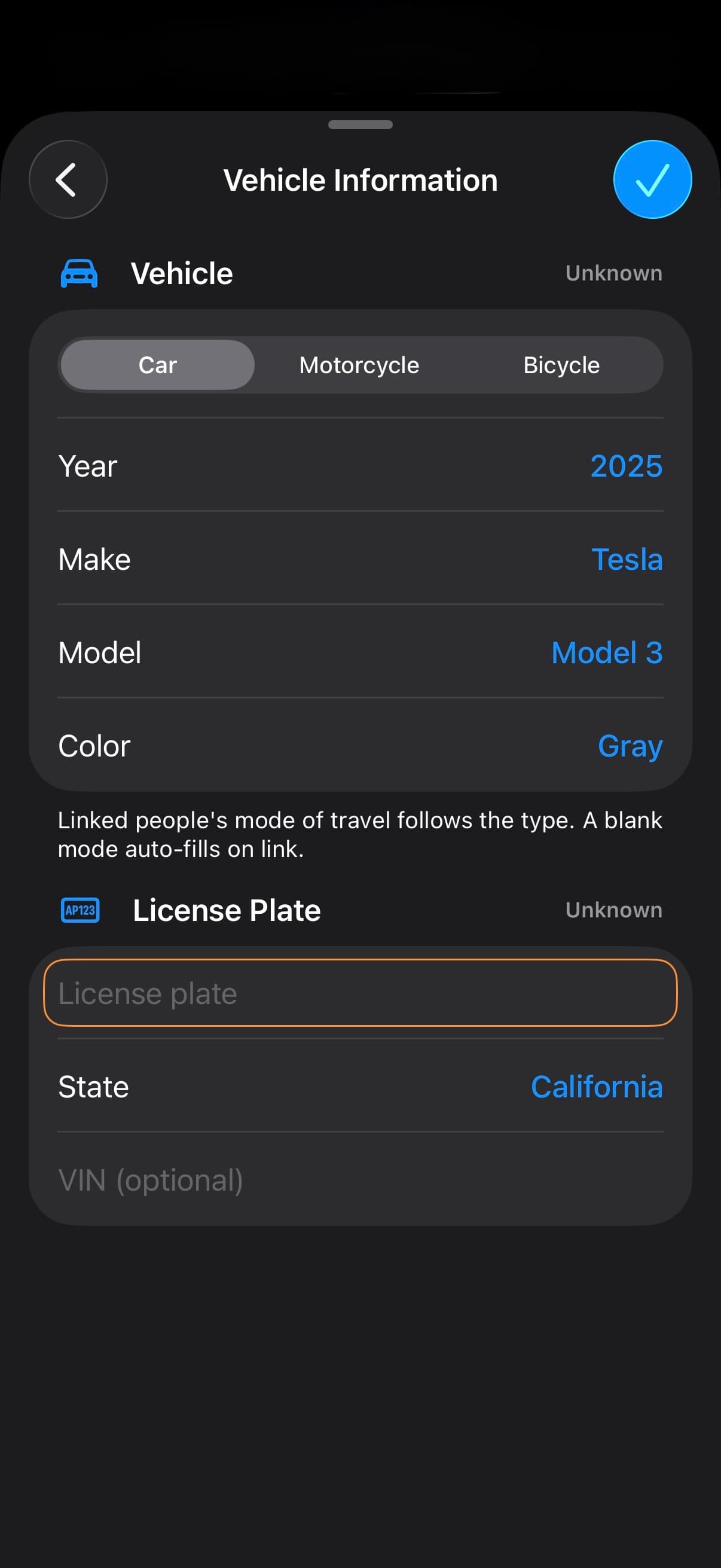
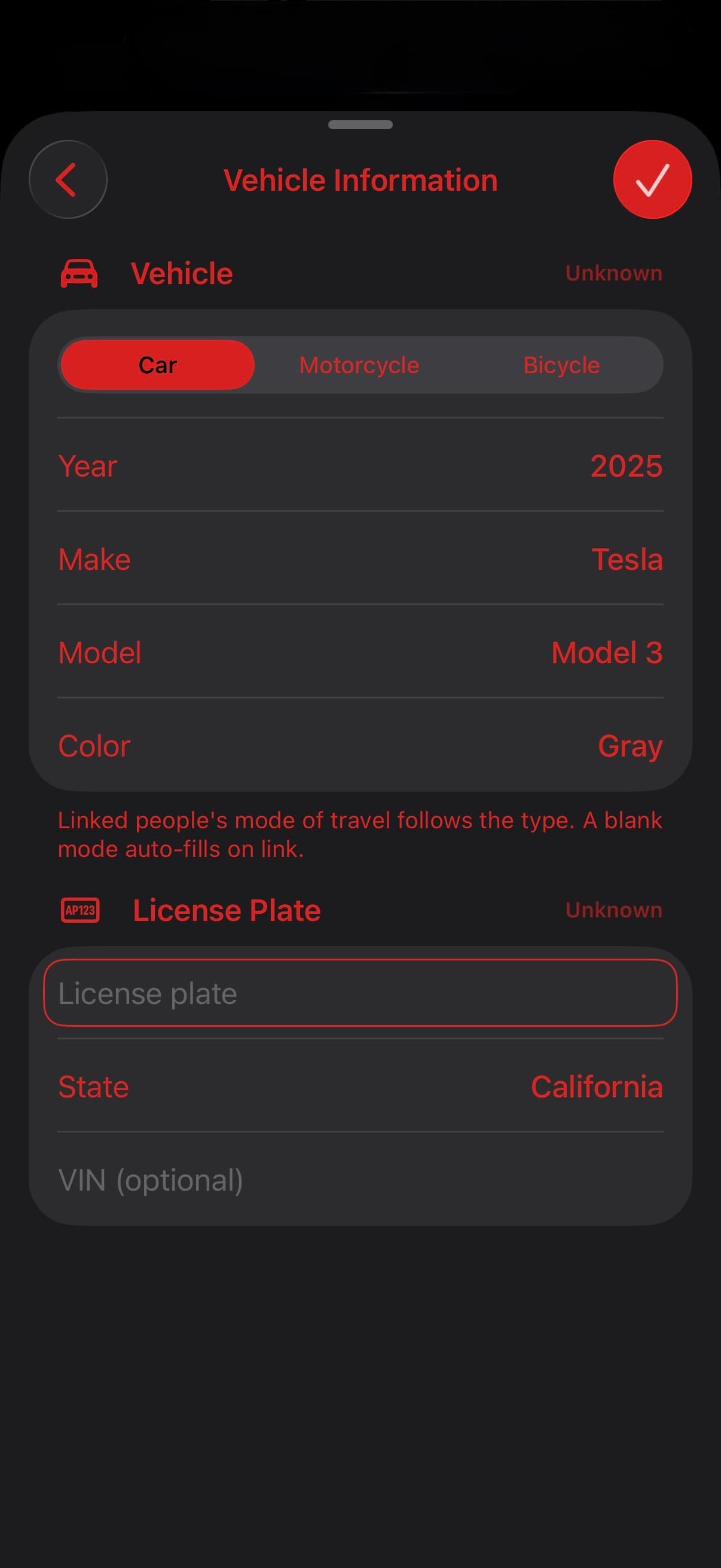
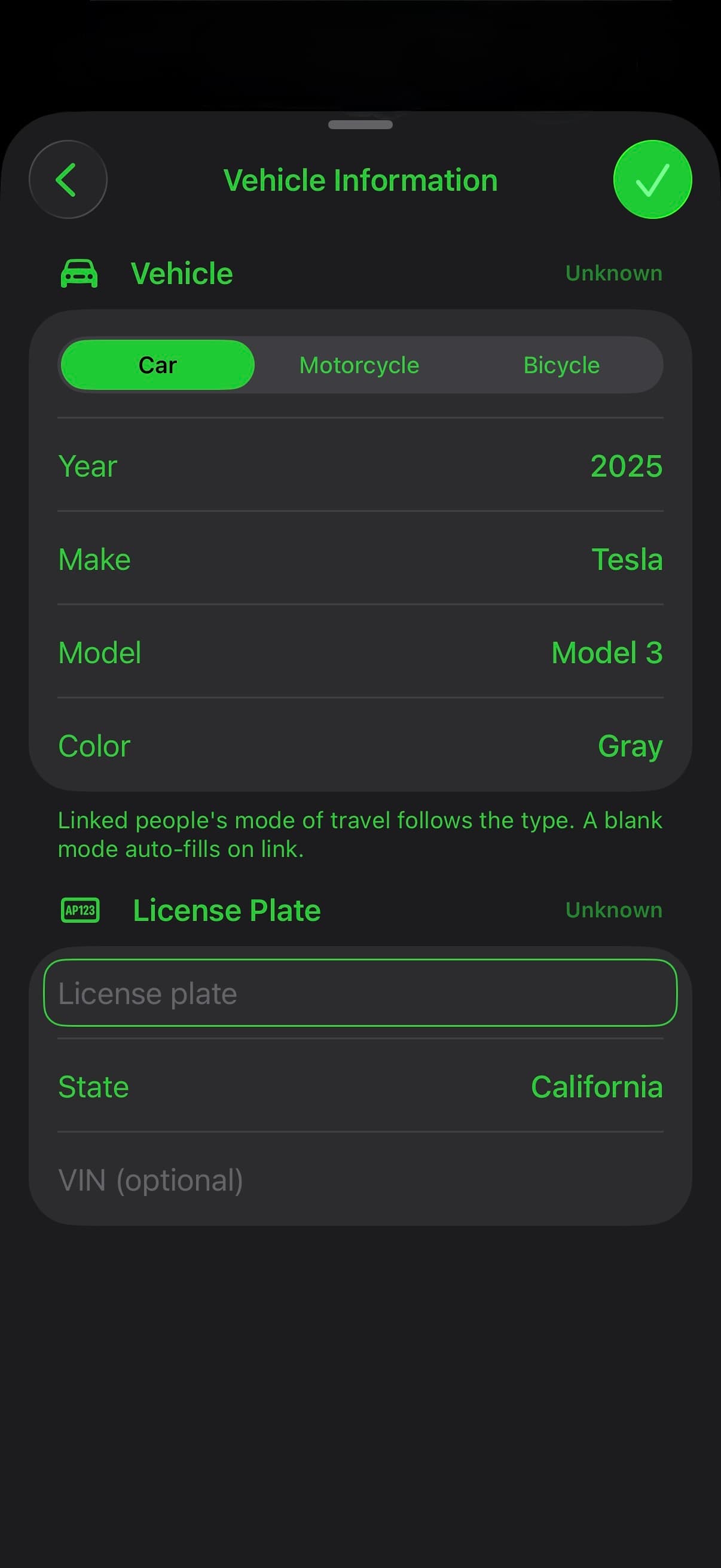
Capture ownership, insurance, damage, and towing details.
Capture the scene, then organize photos with tags and notes.
Place people, vehicles, evidence, and roadway features.
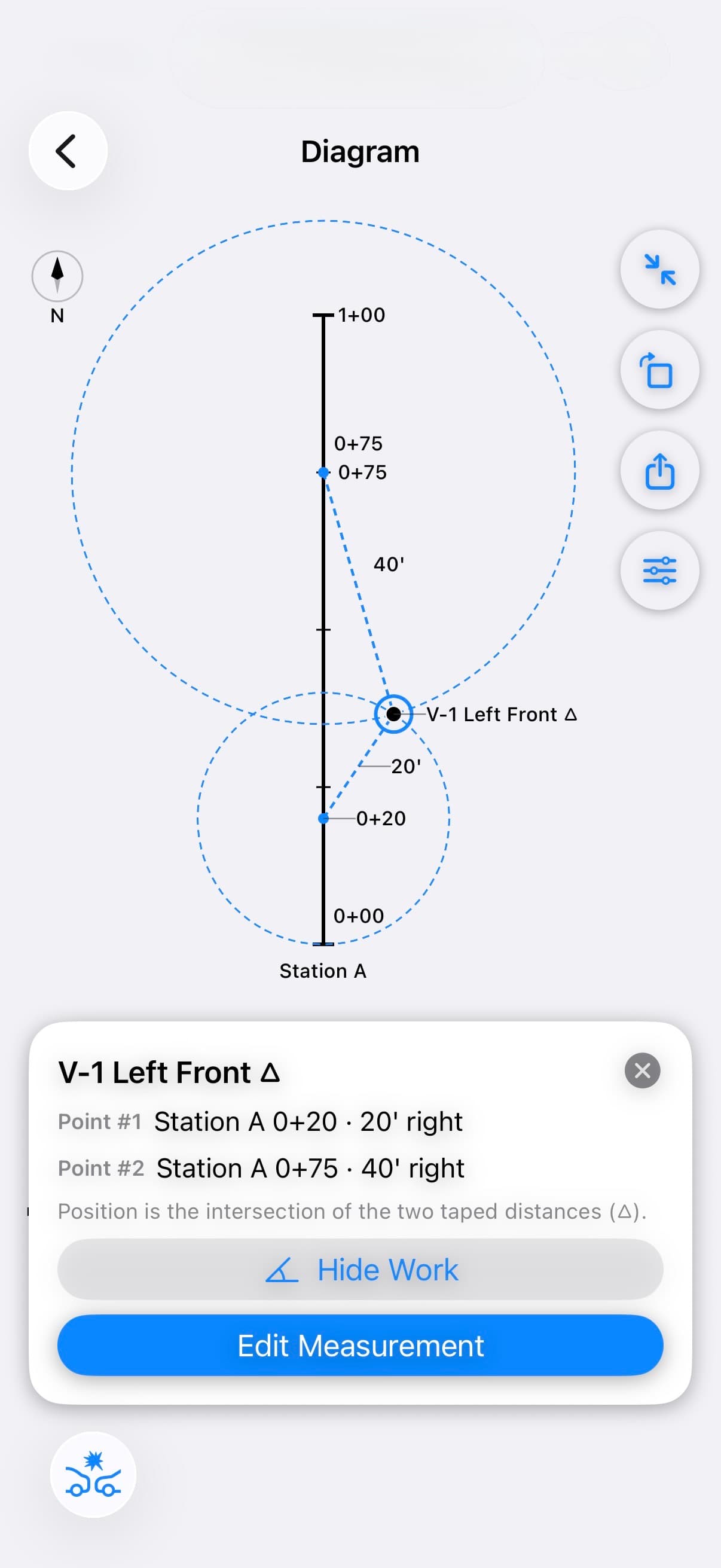
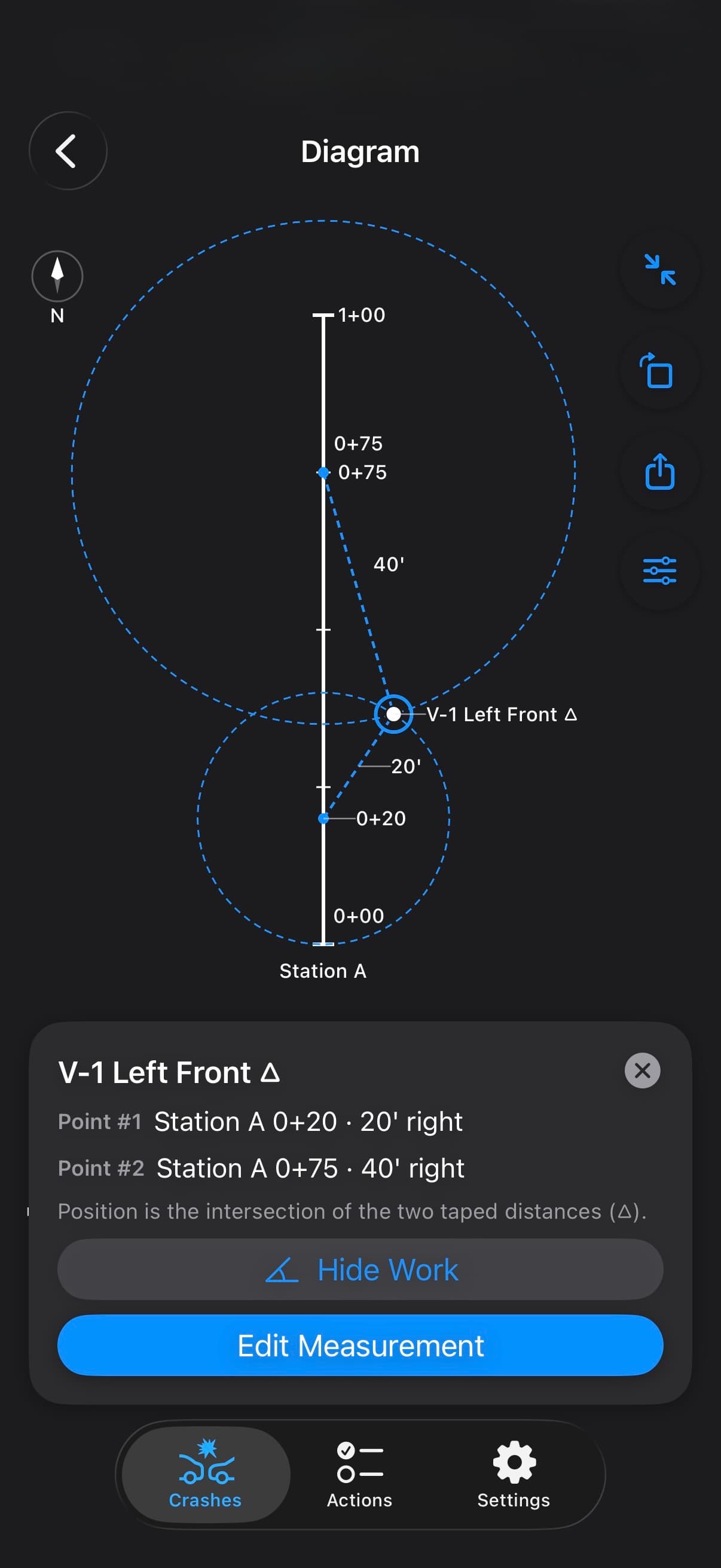
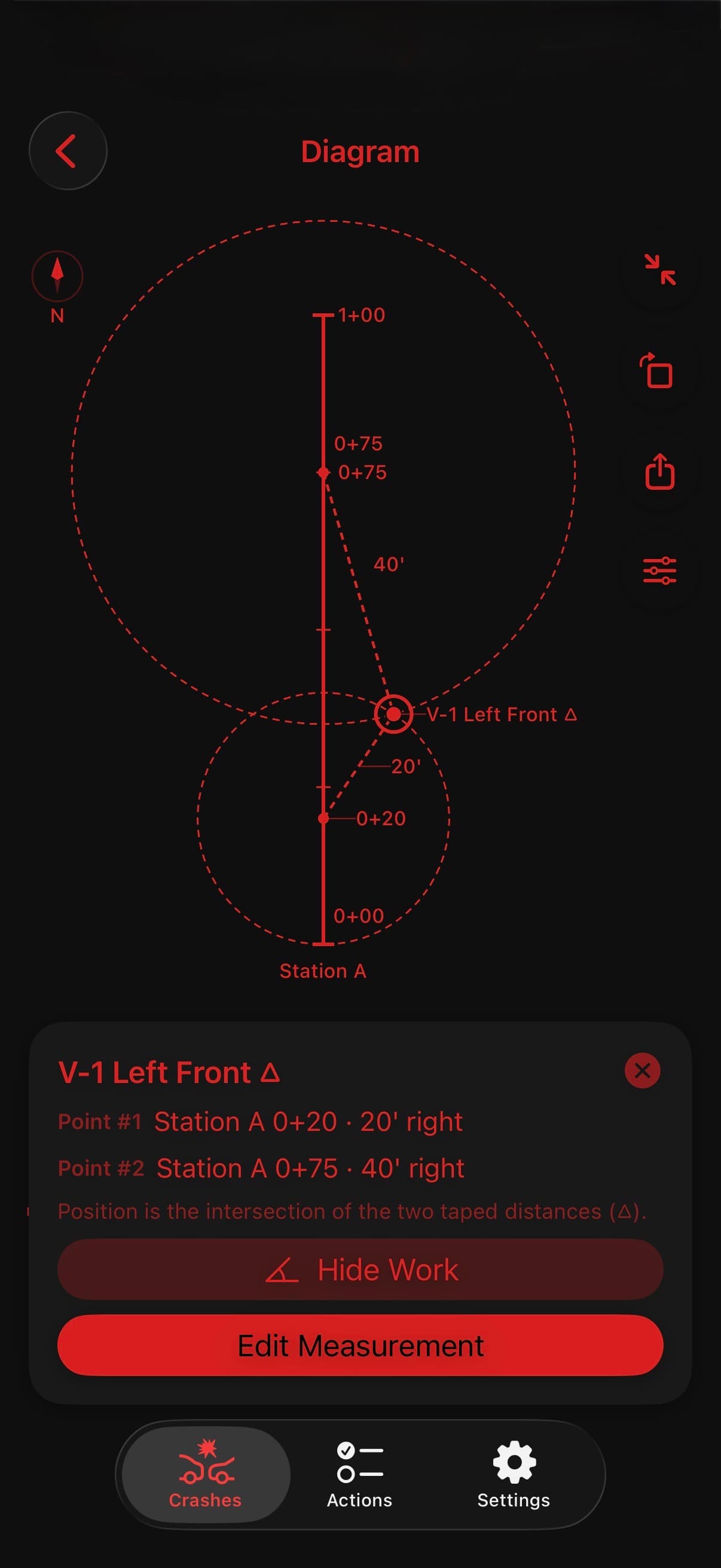
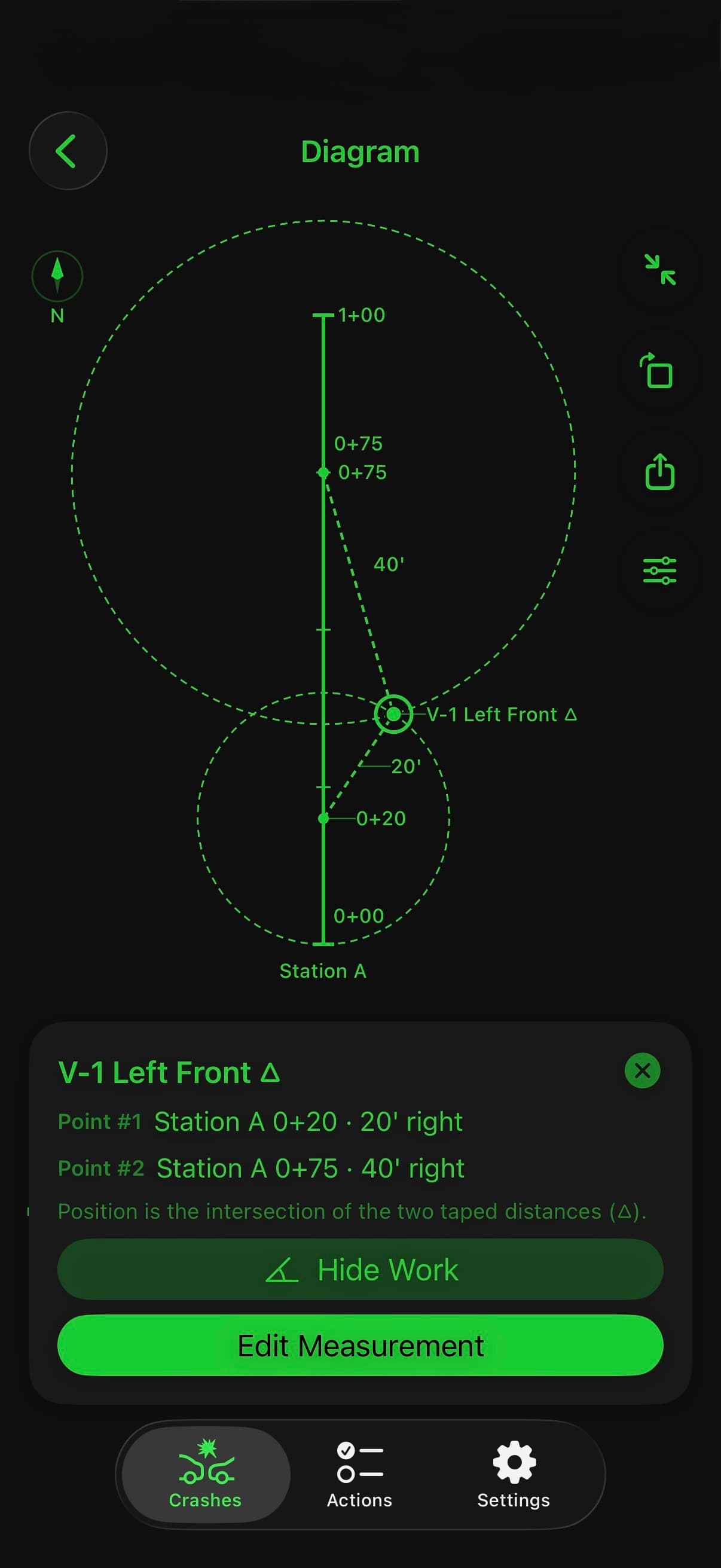
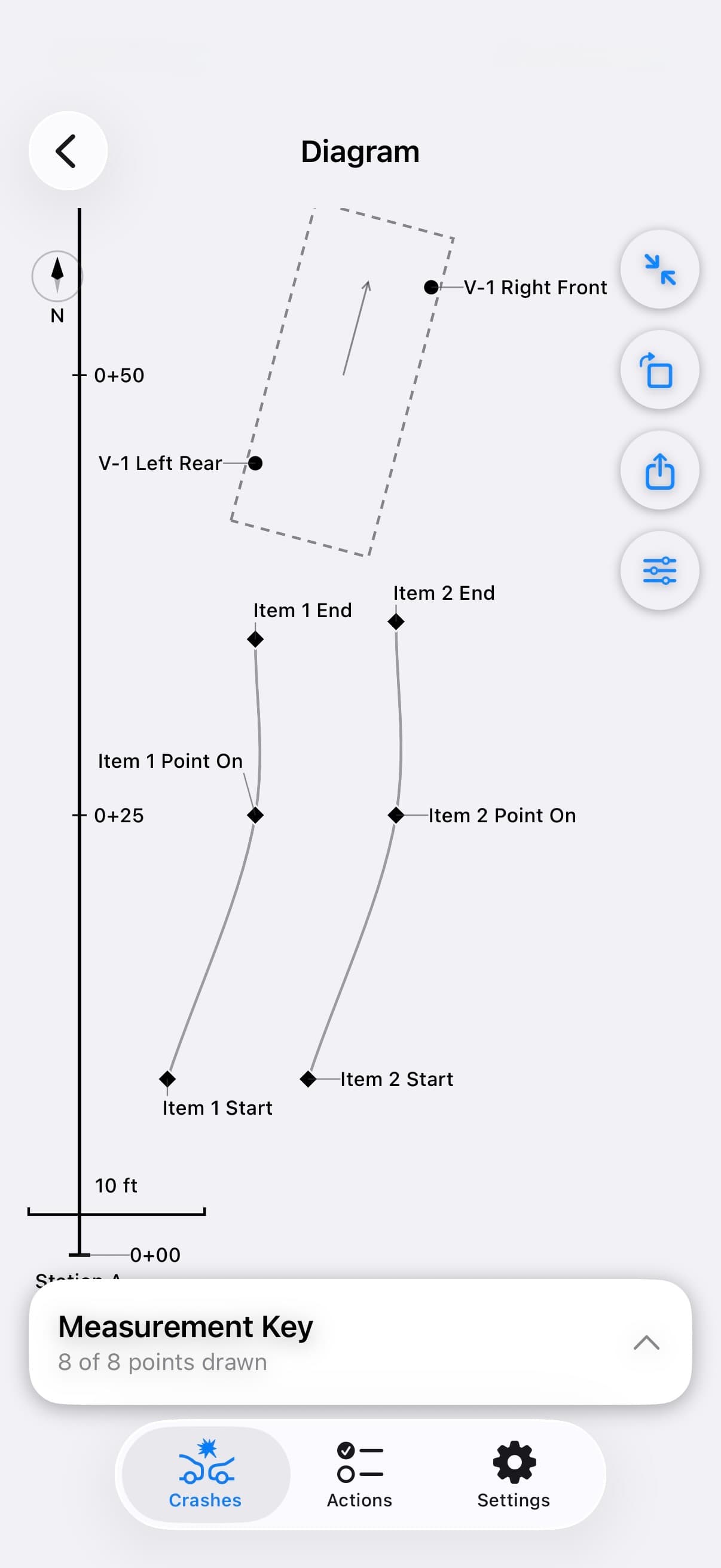
Bring measured points together in a to-scale Factual Diagram.
Choose the work areas you need. Bring it together in Narrative.
Start with built-in Section Templates, or customize your own with Pro.
CAPTURE
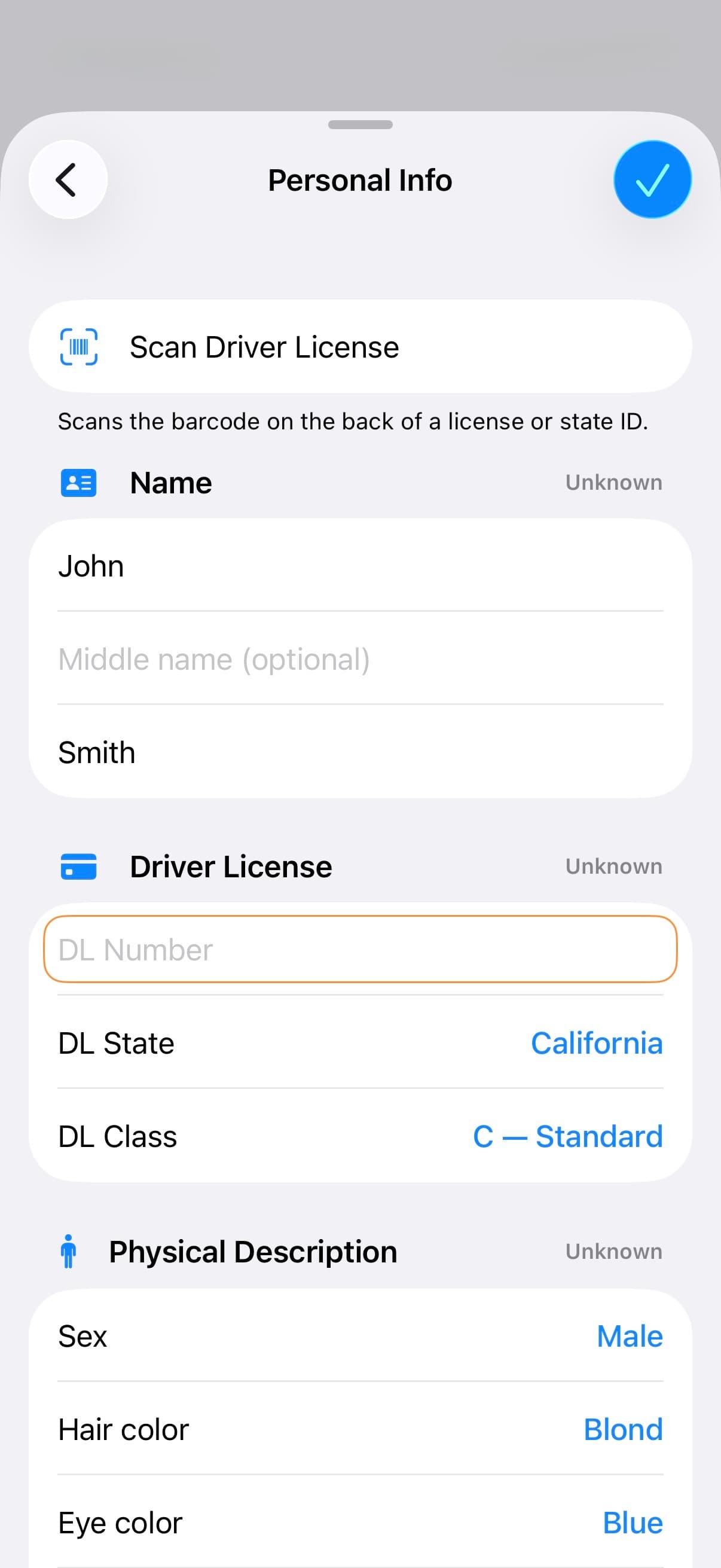
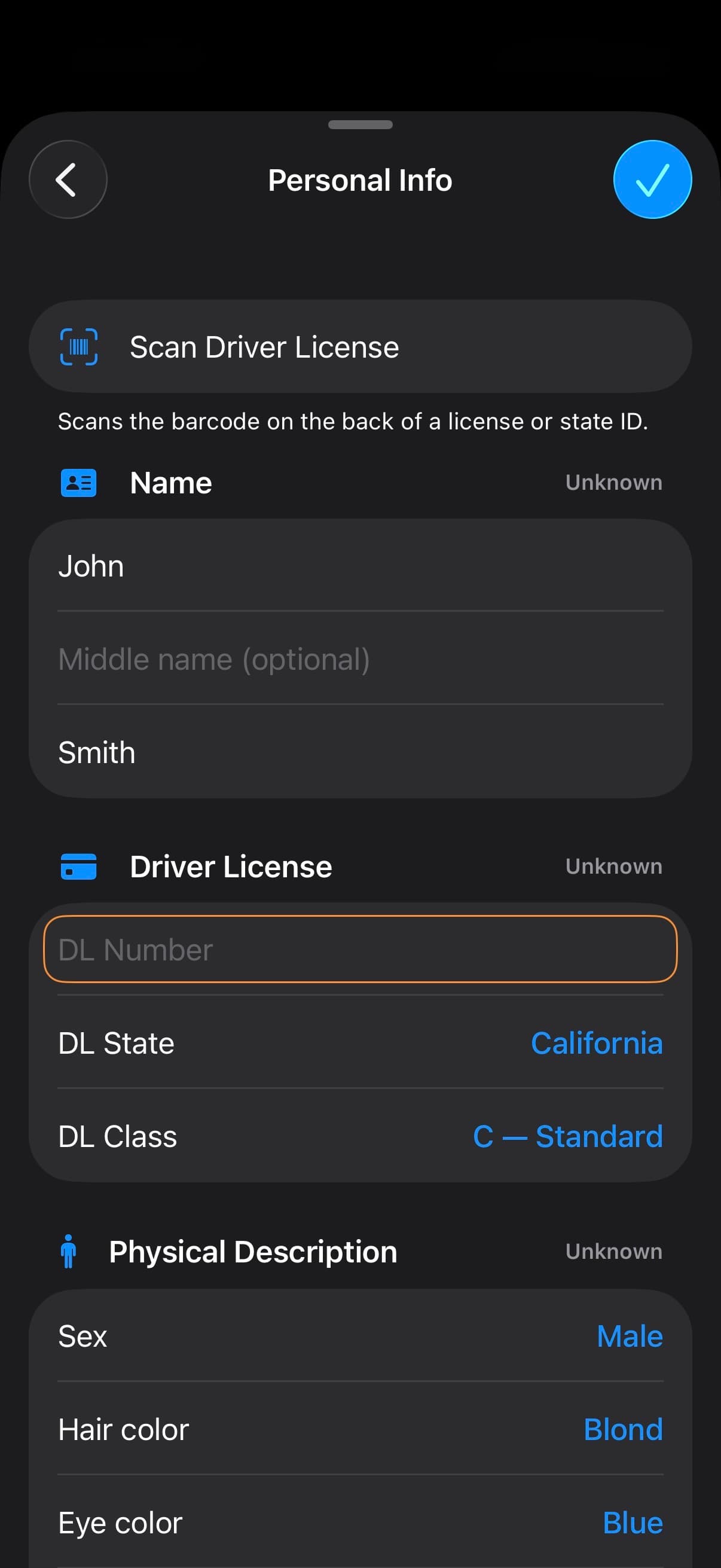
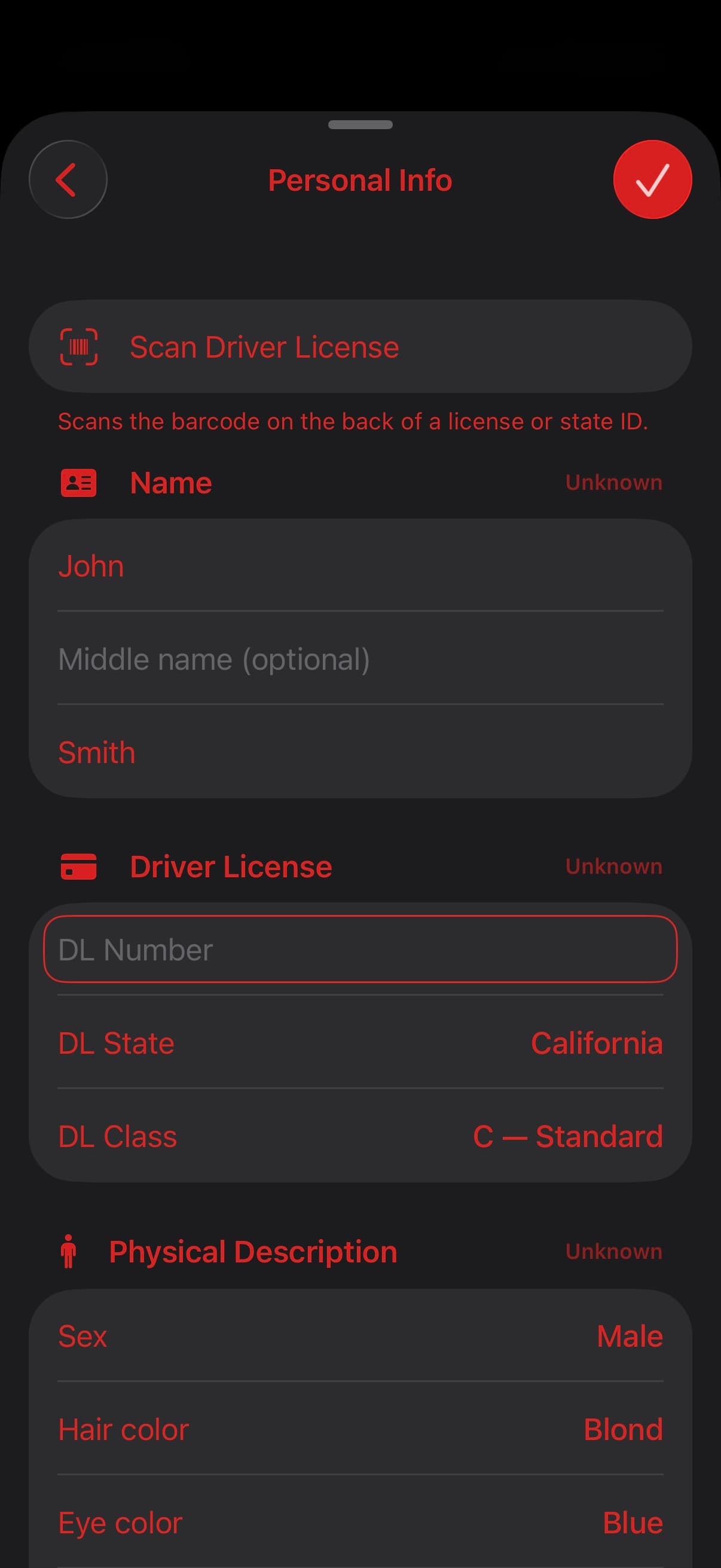
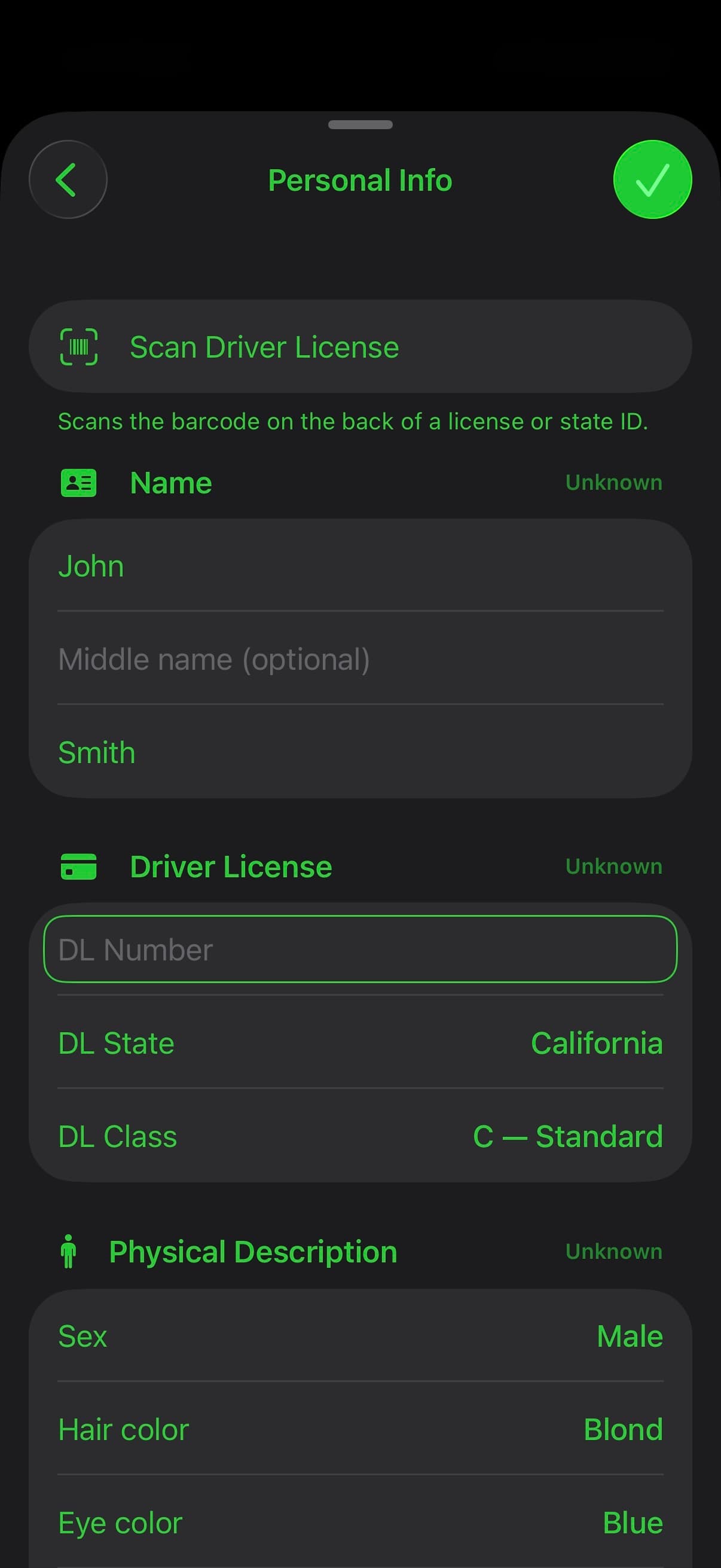
Scan a supported driver-license barcode and review the captured details. Keep parties and passengers linked to vehicles, record statements and investigation details, and document property damage alongside the rest of the scene.
MEASURE
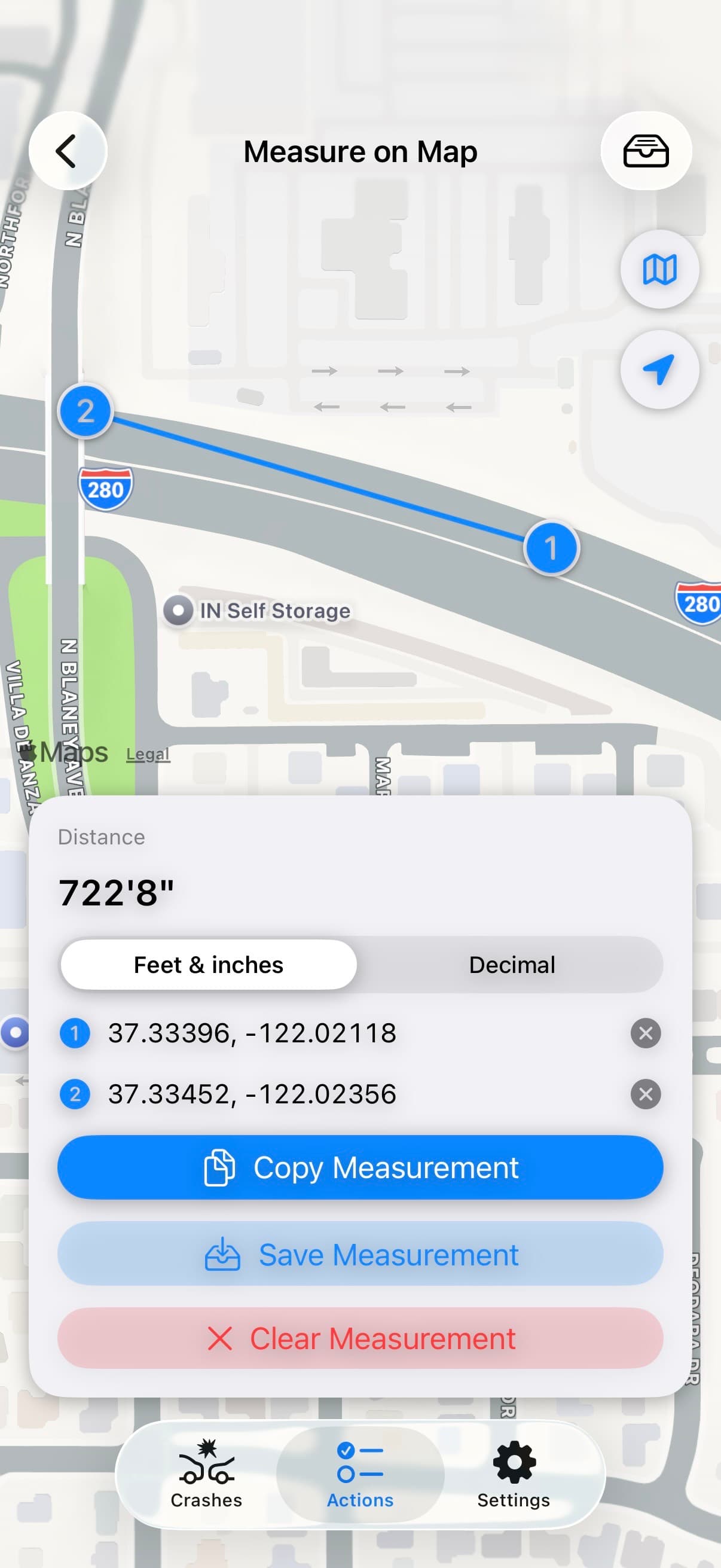
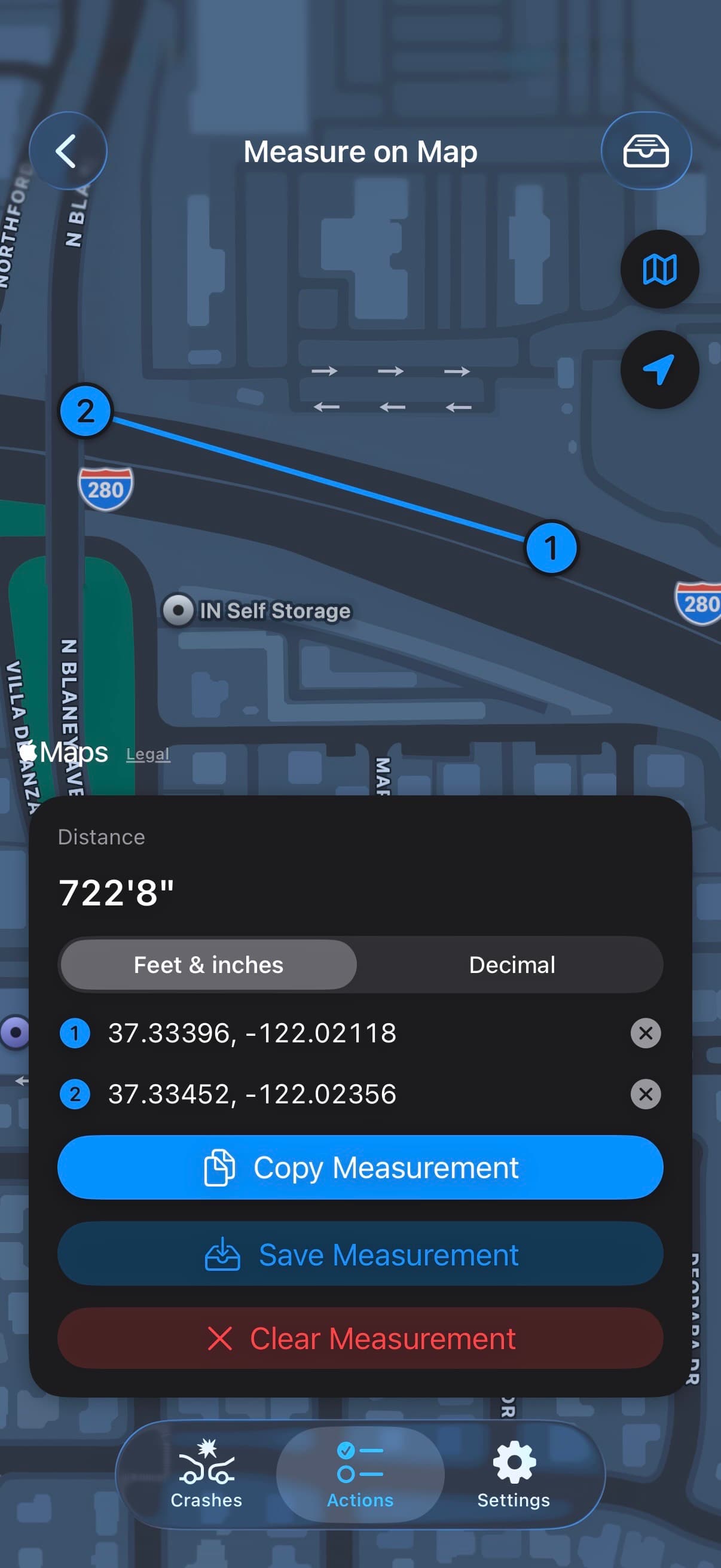
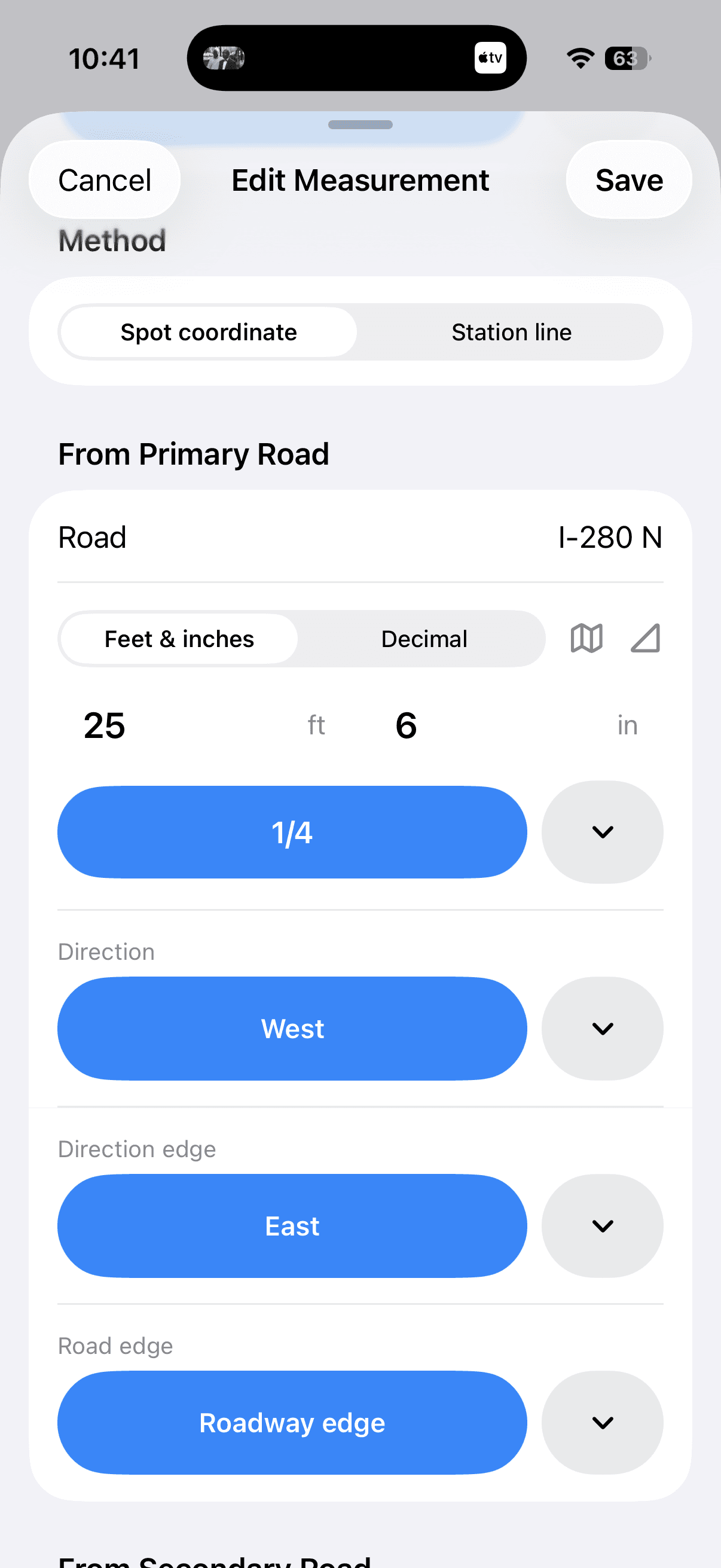
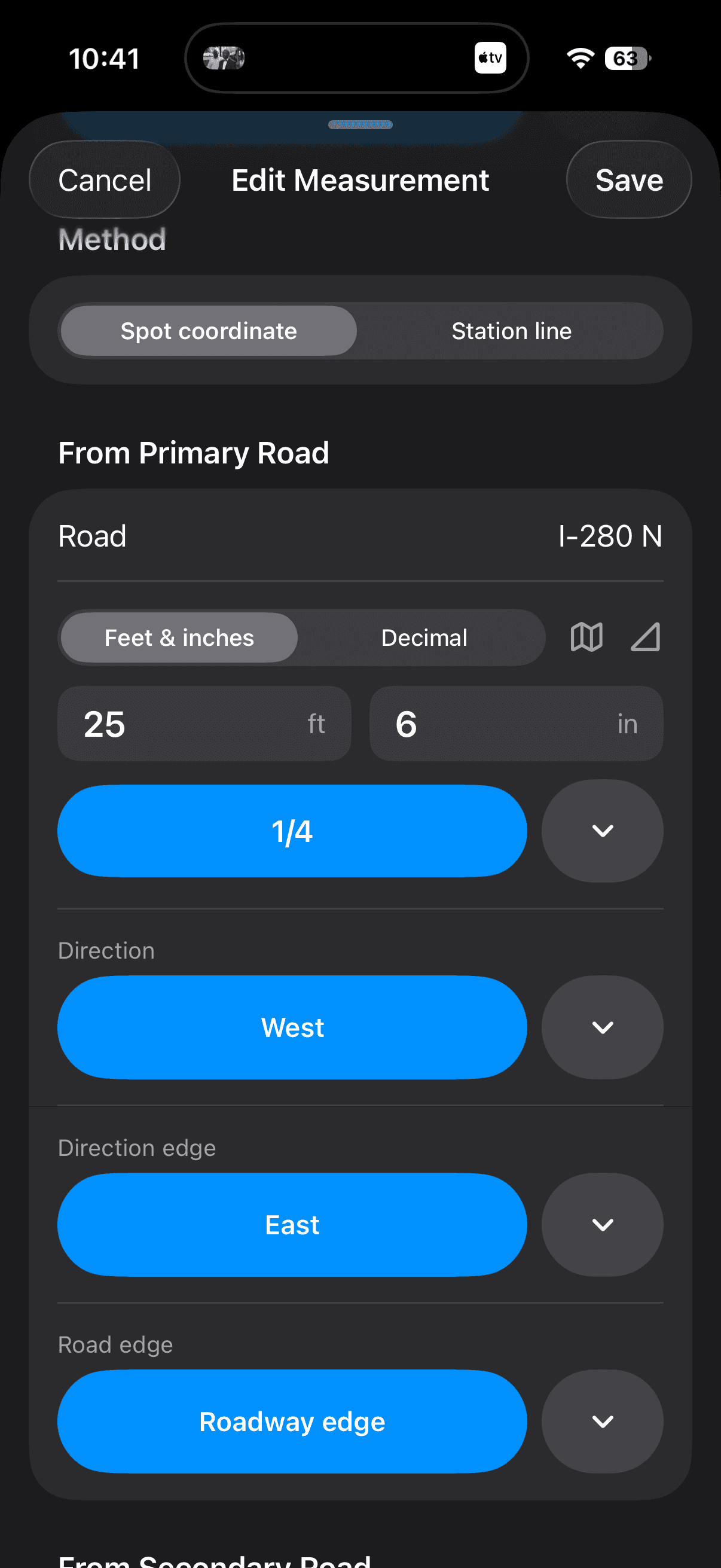
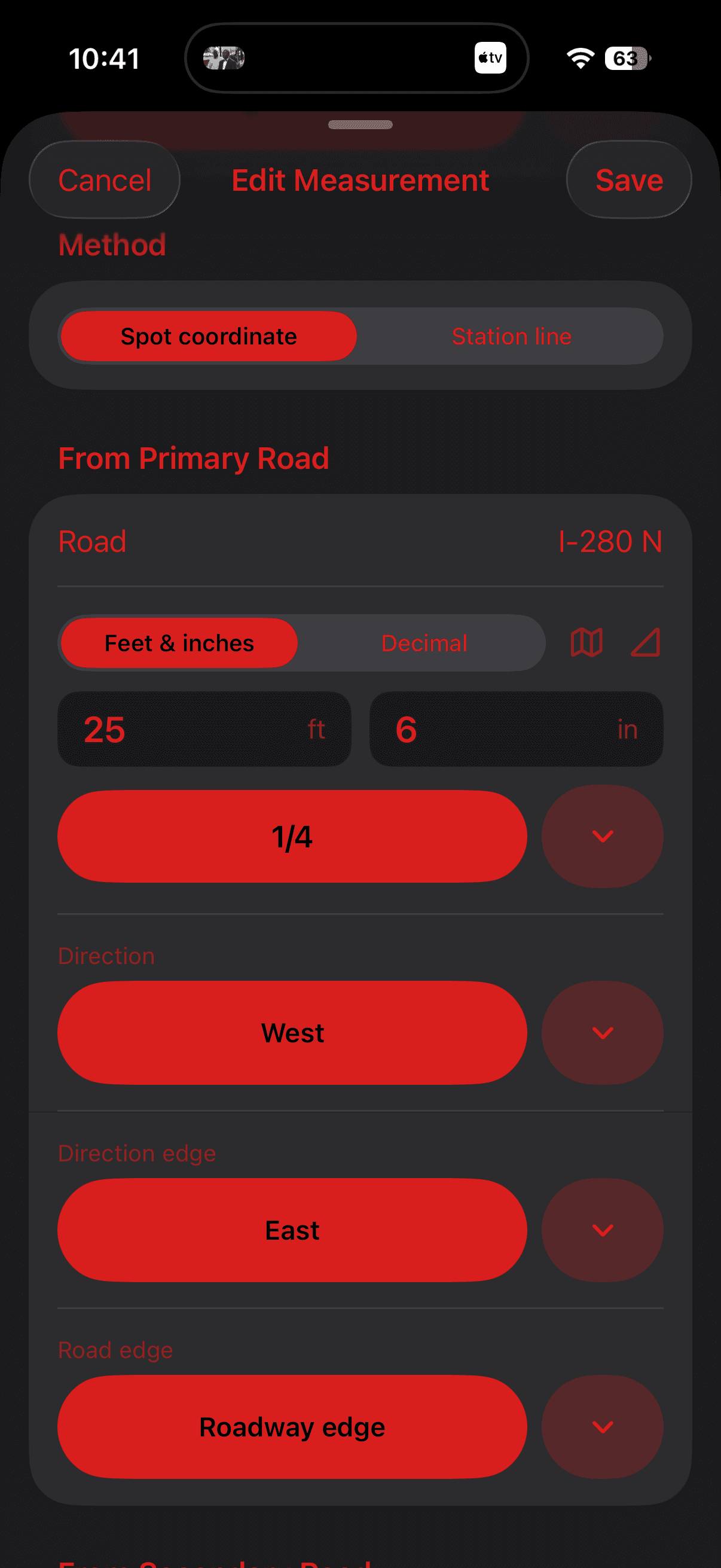
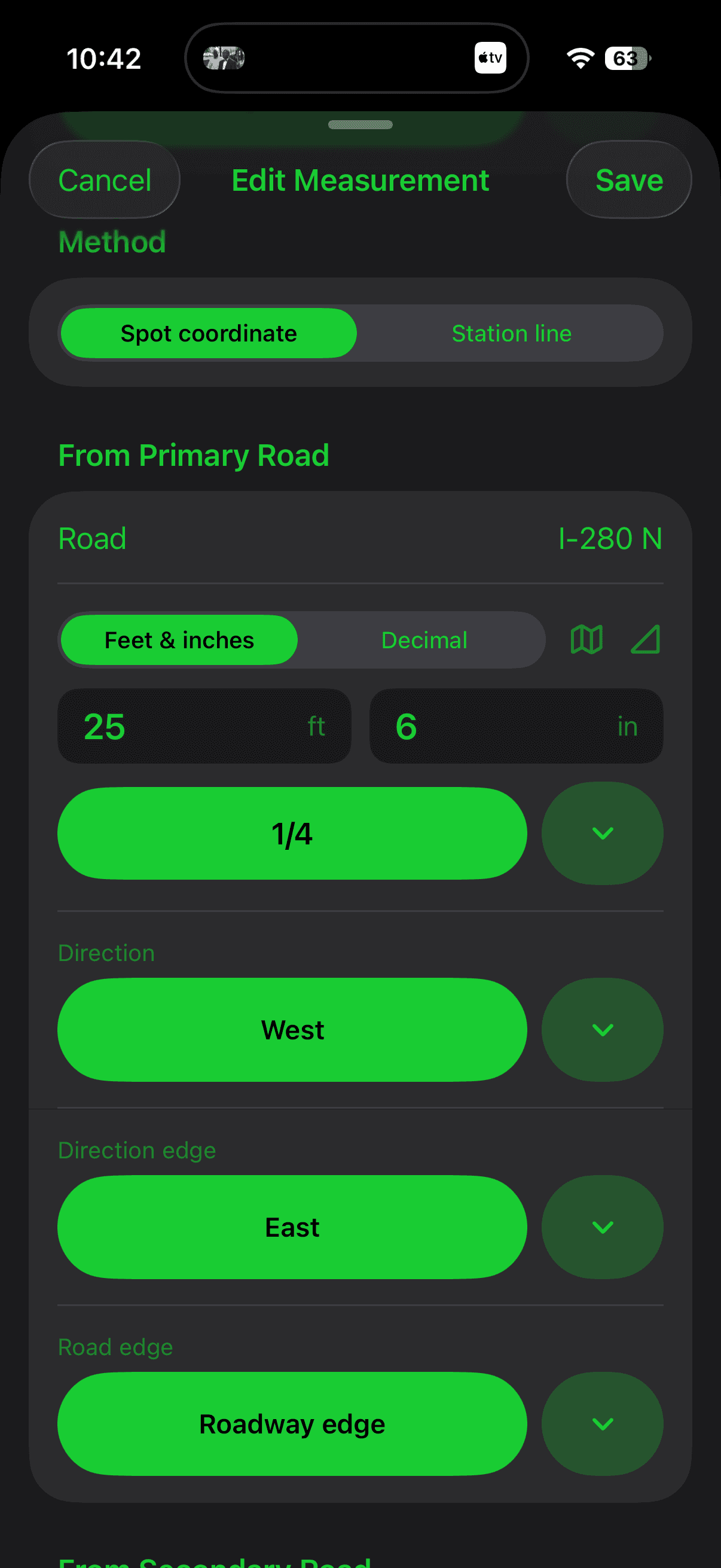
Work from the map, spot coordinates, or a station line. Measure people, vehicles, evidence, and roadway features such as lane lines and curbs, keeping the same points connected to your tables and Factual Diagram.
FACTUAL DIAGRAM
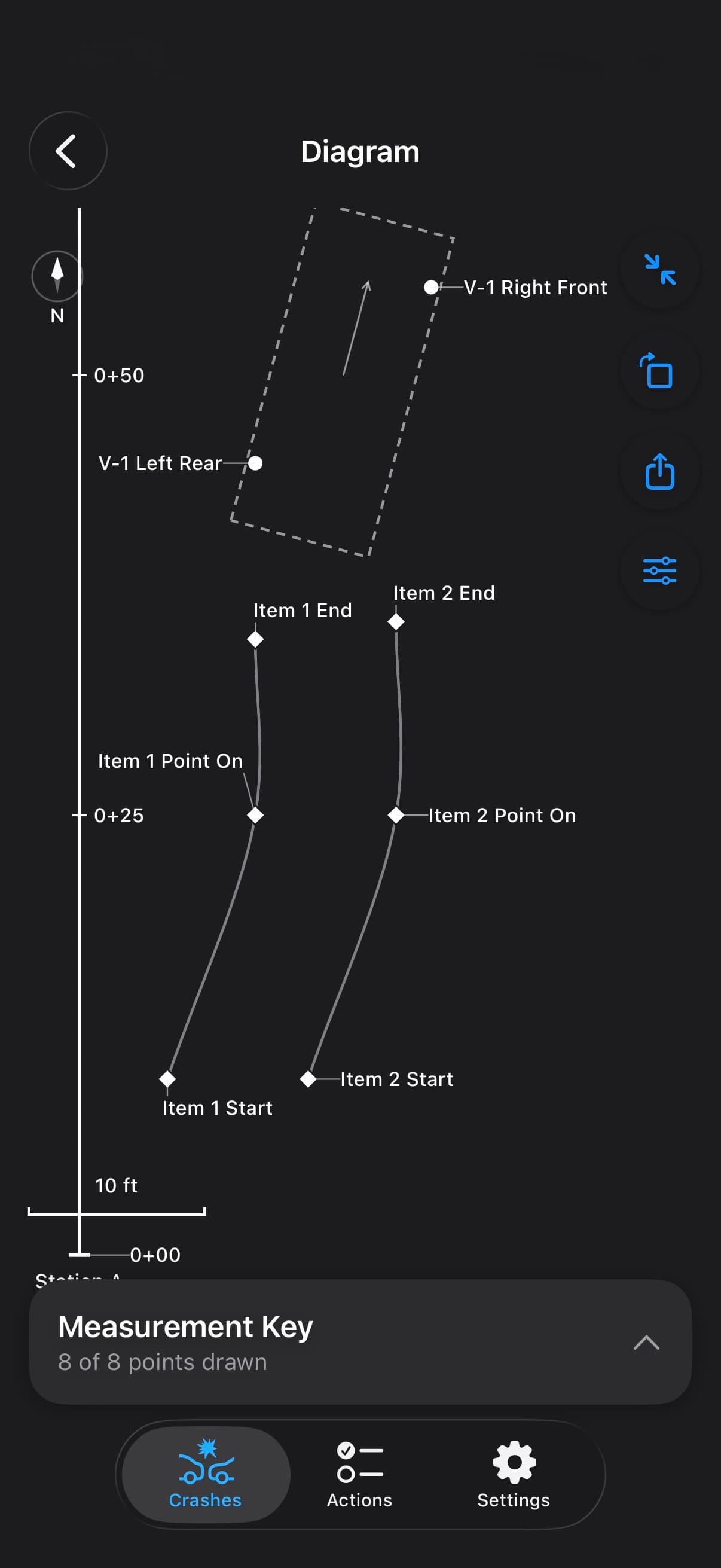
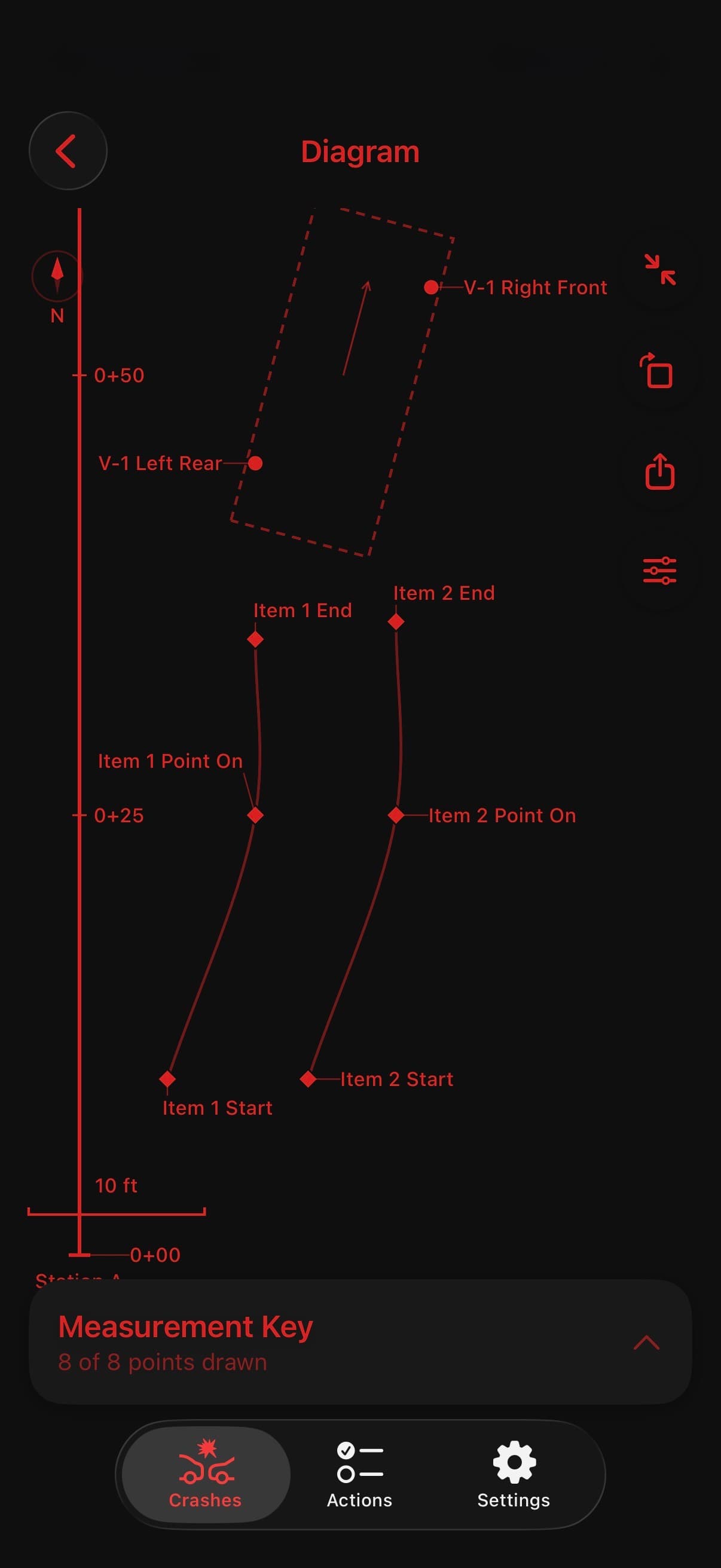
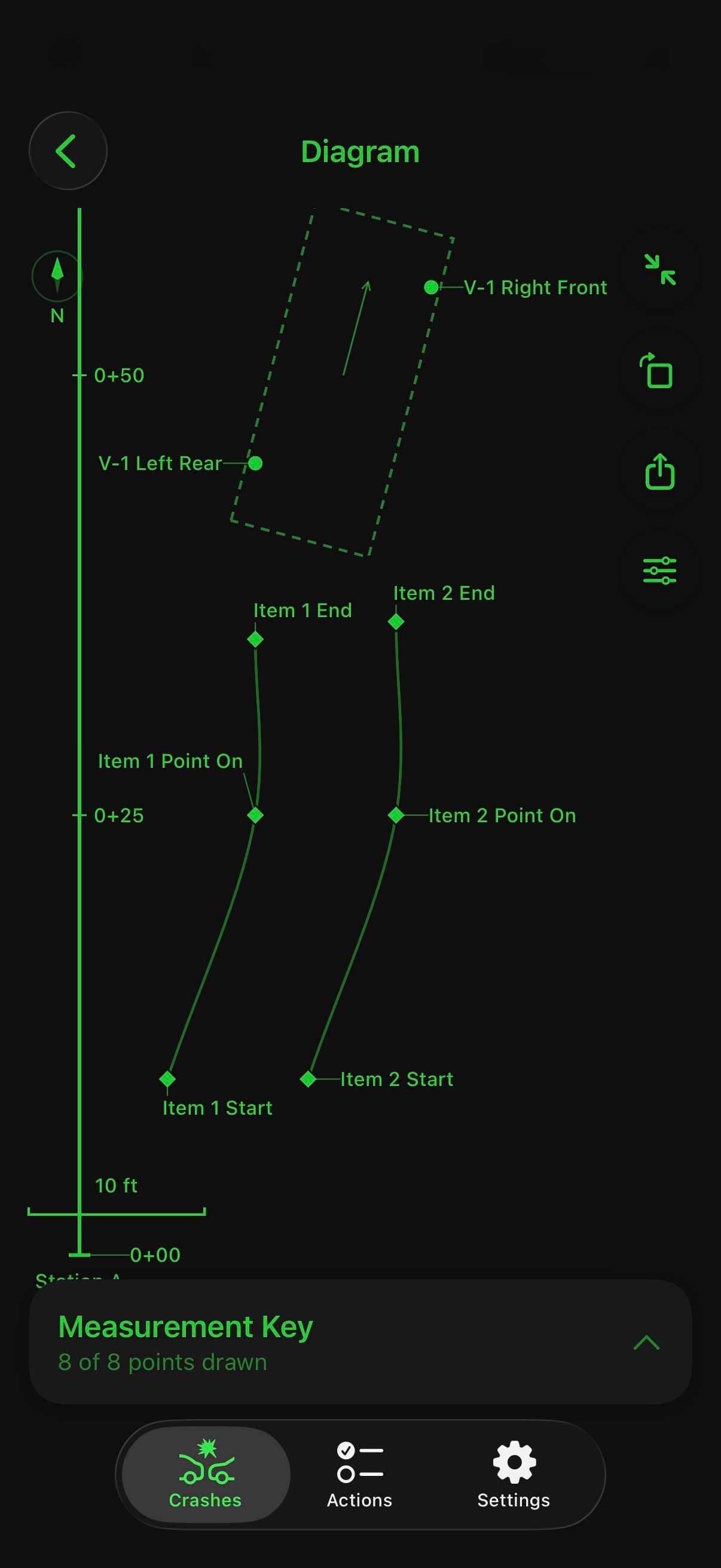
Measured people, vehicles, evidence, and roadway features come together in a to-scale Factual Diagram. Review the measurement key, choose your layers and scale, and export the drawing for use alongside your notes.
NARRATIVE + EXPORT
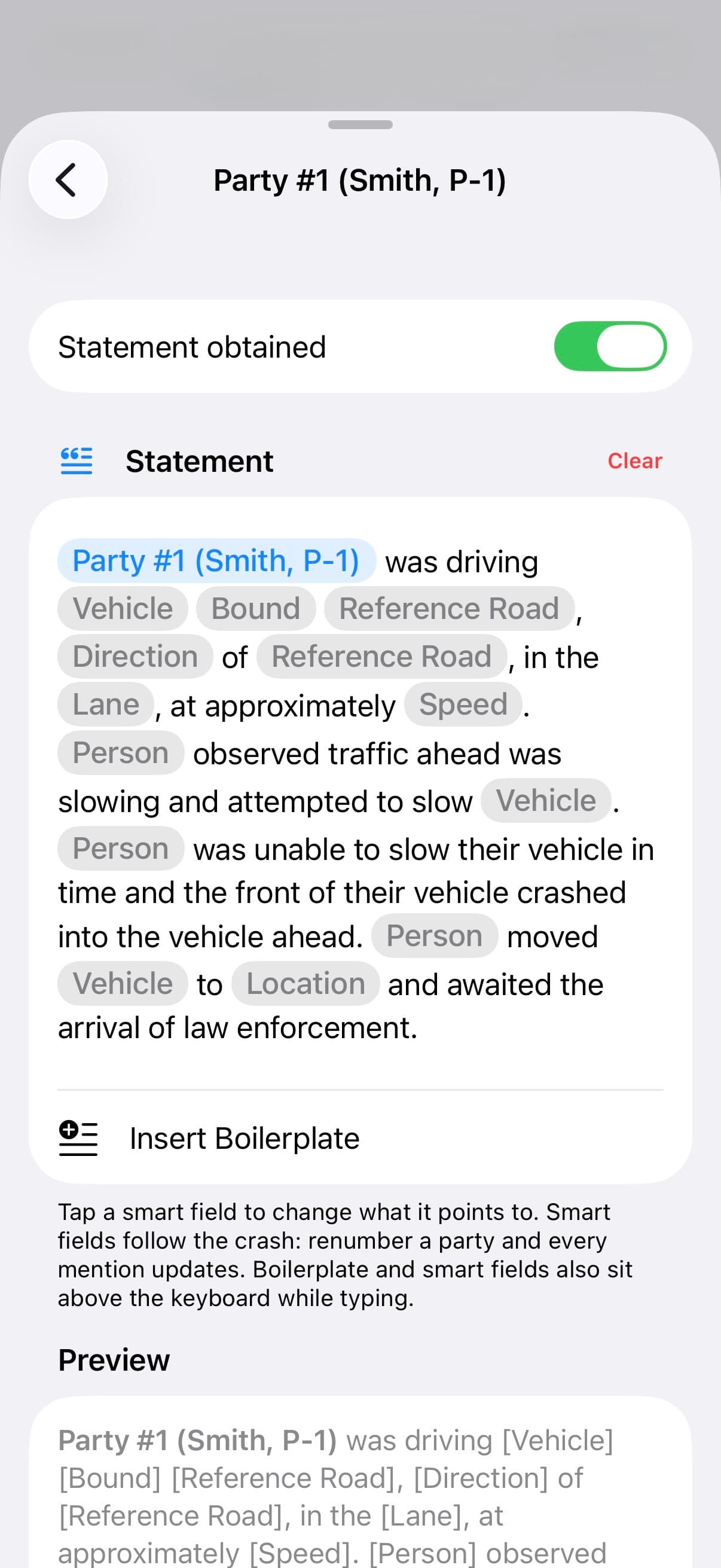
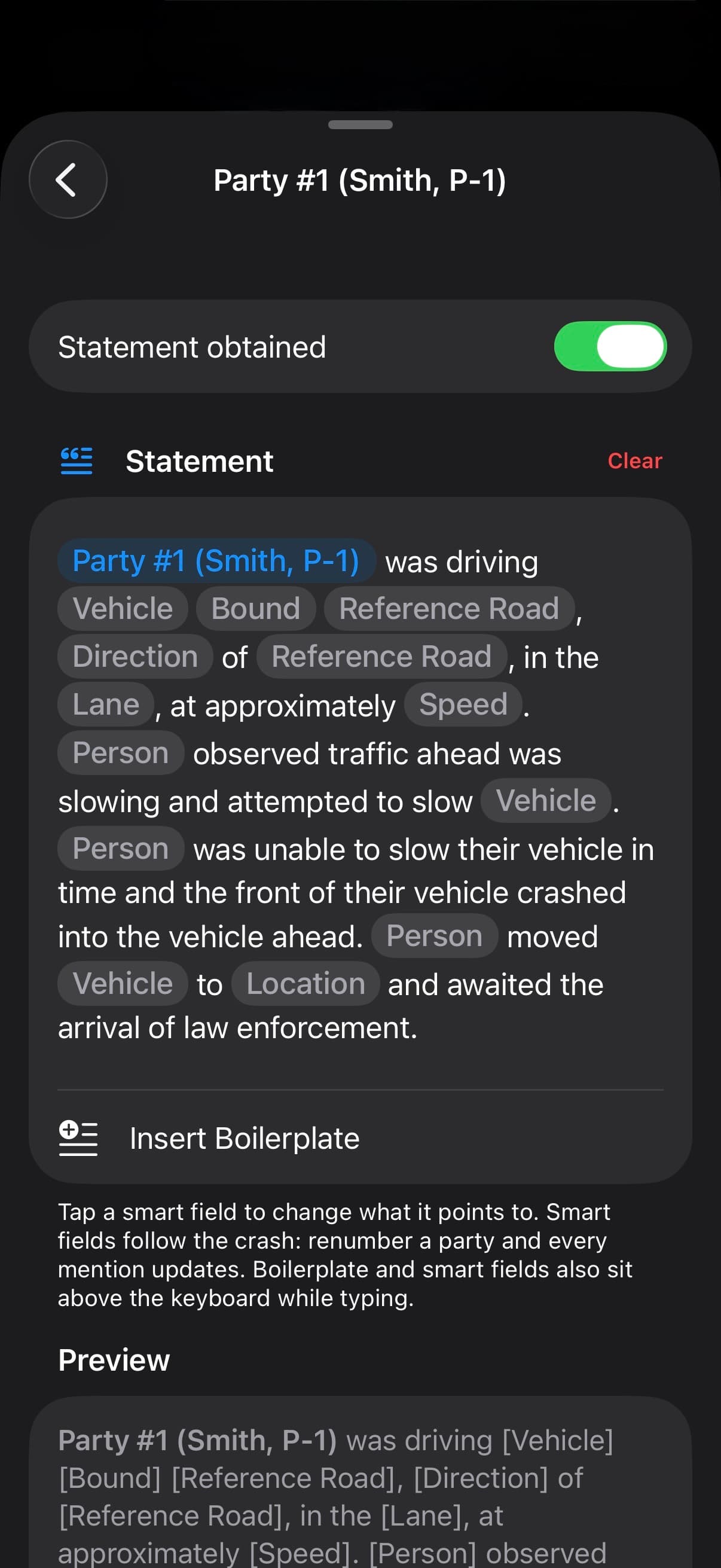
Write statements, investigative entries, and Summary/Cause with smart fields linked to crash details. Use built-in statement boilerplate or create your own with Pro. Review the assembled narrative, edit text and tables, and keep control of what you export.
QUICK ACTIONS + SEARCH
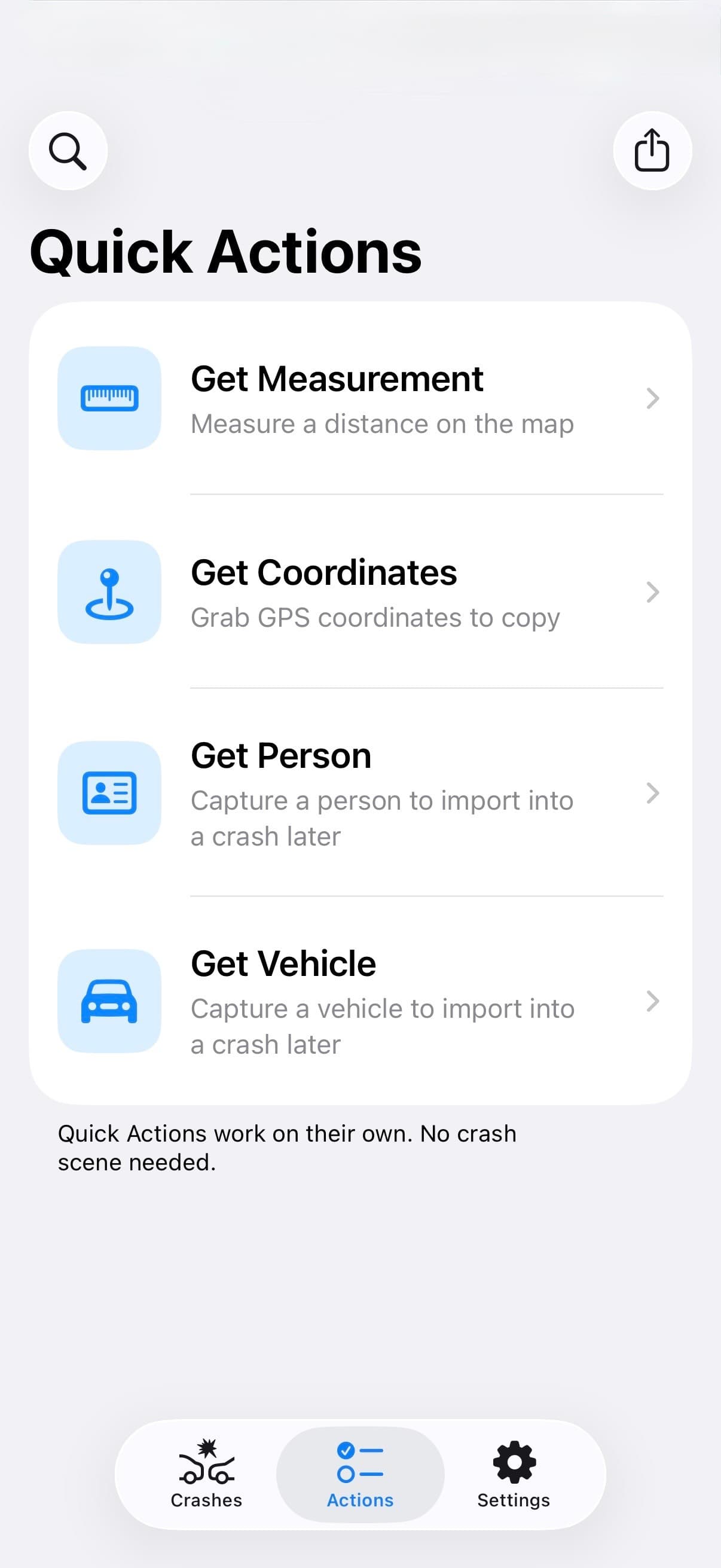
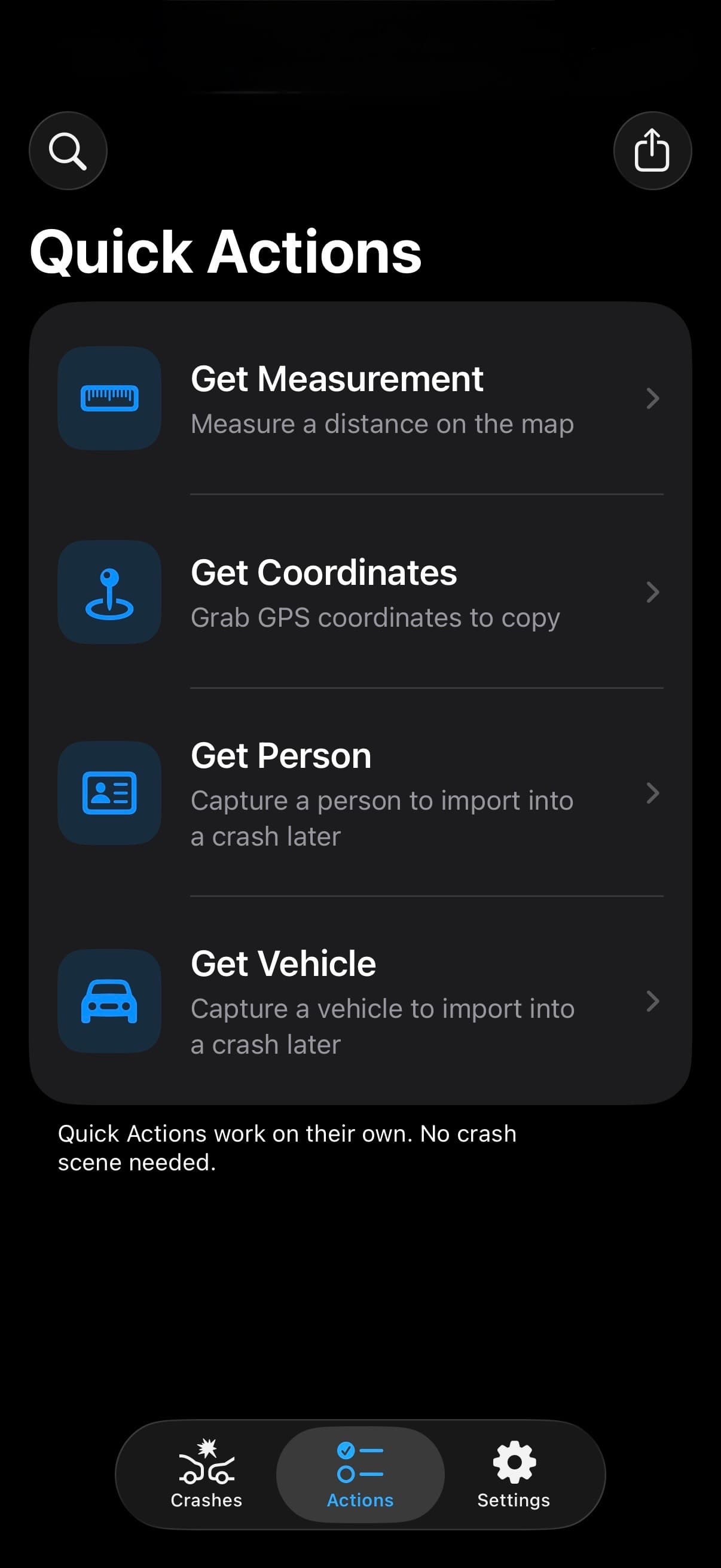
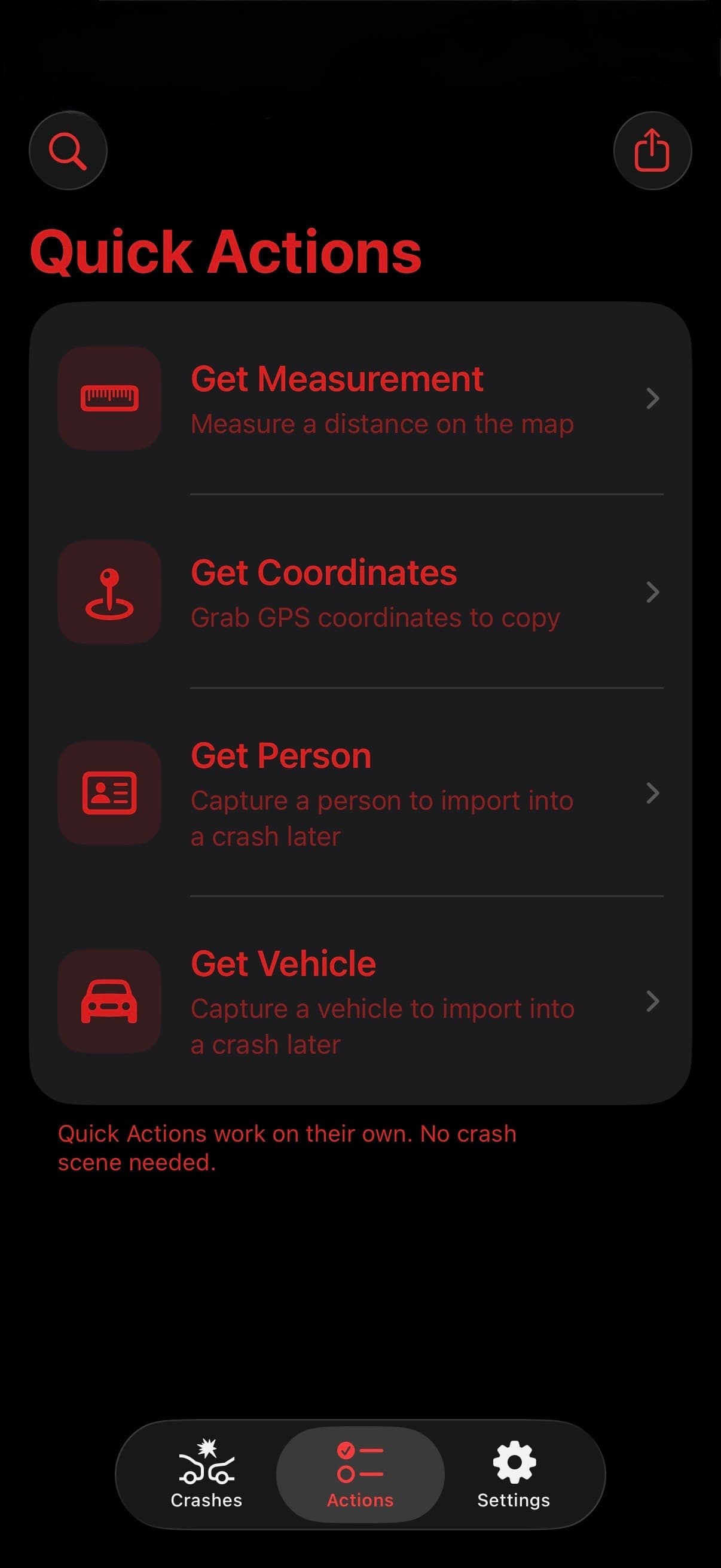
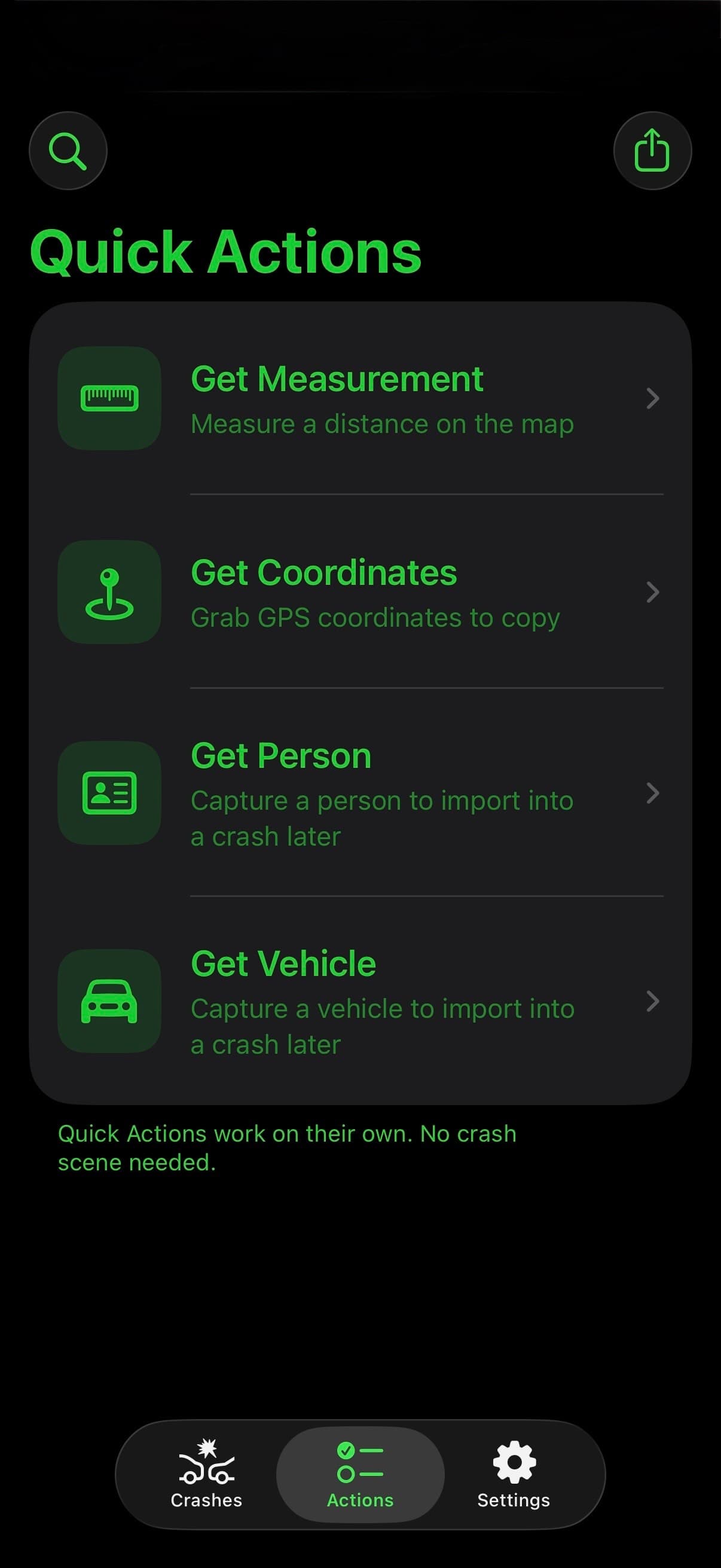
Assisting on another investigator's crash? Be a good beat partner. Quick Actions work without an open crash. Grab a person, a vehicle, a measurement, or coordinates the moment you have them—then hand your work to the investigator with Share Package.
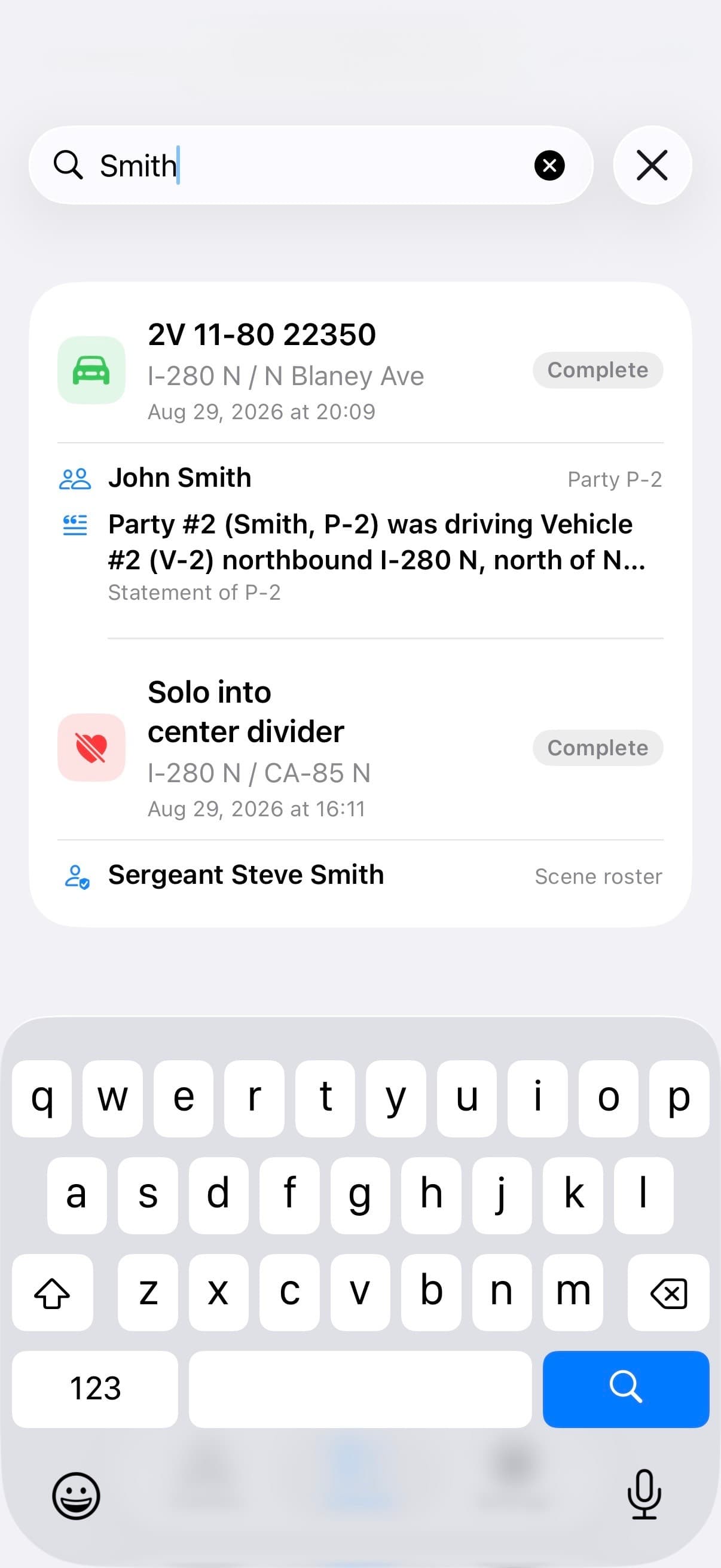
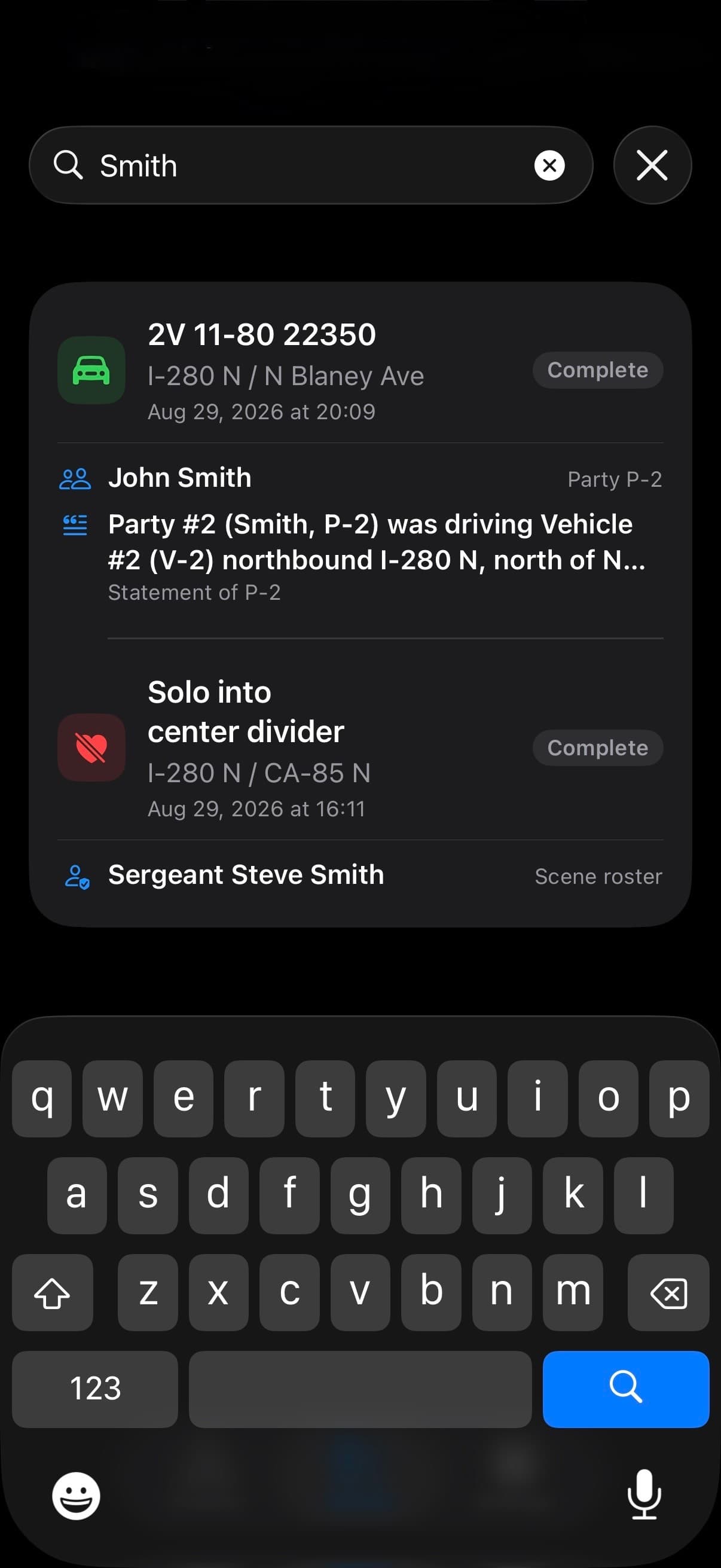
Need a detail from an earlier crash? Search Crashes finds names, vehicle details, statements, property damage, investigative entries, Summary/Cause, and recommendations across saved crashes. Filter by category, then open the matching crash.
NOTE INTEGRITY
As you work, TACWAC flags missing details, invalid values, and broken links in your records. Review those warnings alongside your notes before preparing the report through your agency's own systems.
Warnings identify the missing or inconsistent detail on the record it belongs to, including the newer investigative sections.
The Warnings Hub gathers detected issues by section, from person and vehicle details to narrative links and recommendations.
A warning takes you to the relevant editor, page, or section. Resolve the flagged detail, then review your notes for accuracy and completeness.
TACWAC & TACWAC PRO
Every download includes the complete note-taking workflow. TACWAC Pro removes the limits and opens the advanced tools.
The complete core note-taking workflow, from the first roadside entry to the finished export.
For investigators who need more capacity, more control, and the app's advanced field and export tools.
FREE LIMITS AT A GLANCE
3 crashes. All scene sections are available within the limits below.
Save 2 each of people, vehicles, coordinates, and measurements, separate from your crash records.
Per crash: 1 area of impact, 2 vehicles, 1 property damage record, 4 evidence items, 4 roadway features, and 8 photos.
Per crash: 2 parties, 2 passengers, 1 witness, and 1 person in the Other category.
Per crash: 2 agencies and 4 roster personnel in total.
2 measurements per item. Per crash: 1 station line, 2 measurement tools, and 1 measurement person.
2 entries per crash in each of Scene Description, Party Profile, Physical Evidence, Hazardous Materials, Hit-and-Run, Intoxication Narrative, and Other Factual Information.
2 people per crash, with 2 combined charge and enhancement entries per person. Typed filing locations and charges are included.
Limits only block new additions. Existing work stays available and editable.
YOUR WORK STAYS YOURS
TACWAC does not use artificial intelligence or language models to write your work. It combines your recorded details and chosen language using templates and app logic. You review the result and decide what belongs in your exported notes.
Read TACWAC privacyTACWAC